- NEW
Template
Cleaning Business Marketing Kit
Ready-to-print door hangers and flyers, 30 social posts, 40 scripts and a 30-day plan to get a cleaning business found, trusted and booked. Editable files.
$27 one-time
New: Printable puzzle books from $6.99 · See the books
Popular
No matches. Try a shorter word, like “mystery”, “word search” or “cleaning”.
See all products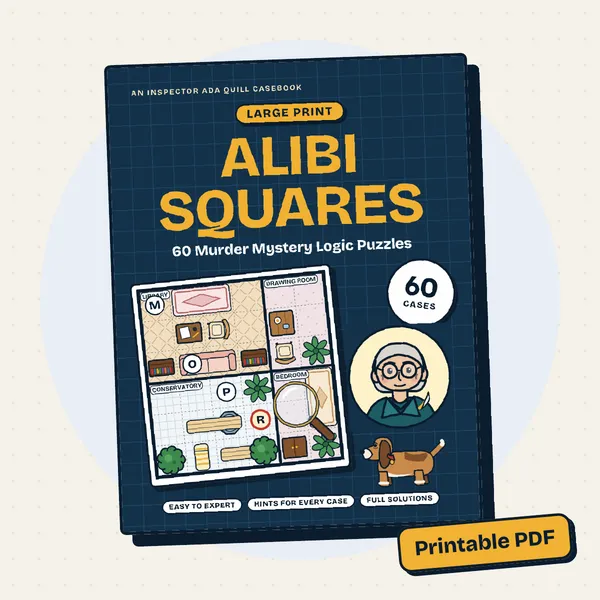 Alibi Squares
 Cocoa & Carols Christmas Word Search
 Large Print Variety Puzzles for Adults
 Large Print Word Search for Seniors
 The Claude AI Prompt Book
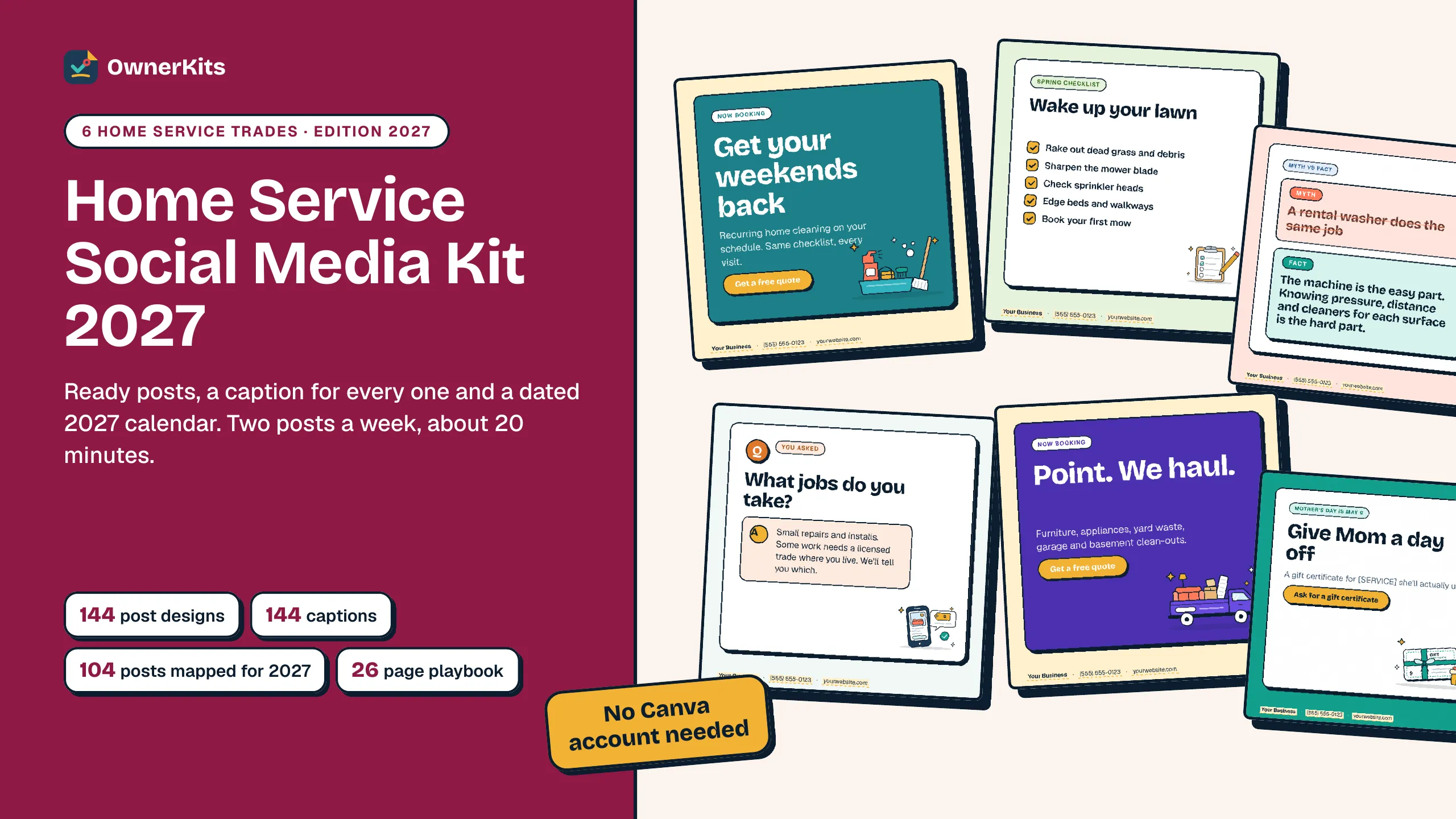
144 ready posts for six trades, a caption for every one and a dated 2027 calendar: two posts a week in about 20 minutes.
✦ In the box
✦ About this product
Most owners start strong on social media, post every day for two weeks, then go quiet for months. This kit gives you a plan small enough to keep: two posts a week, all year. Tuesday is a ready graphic from the kit, Thursday is a photo from your own work.
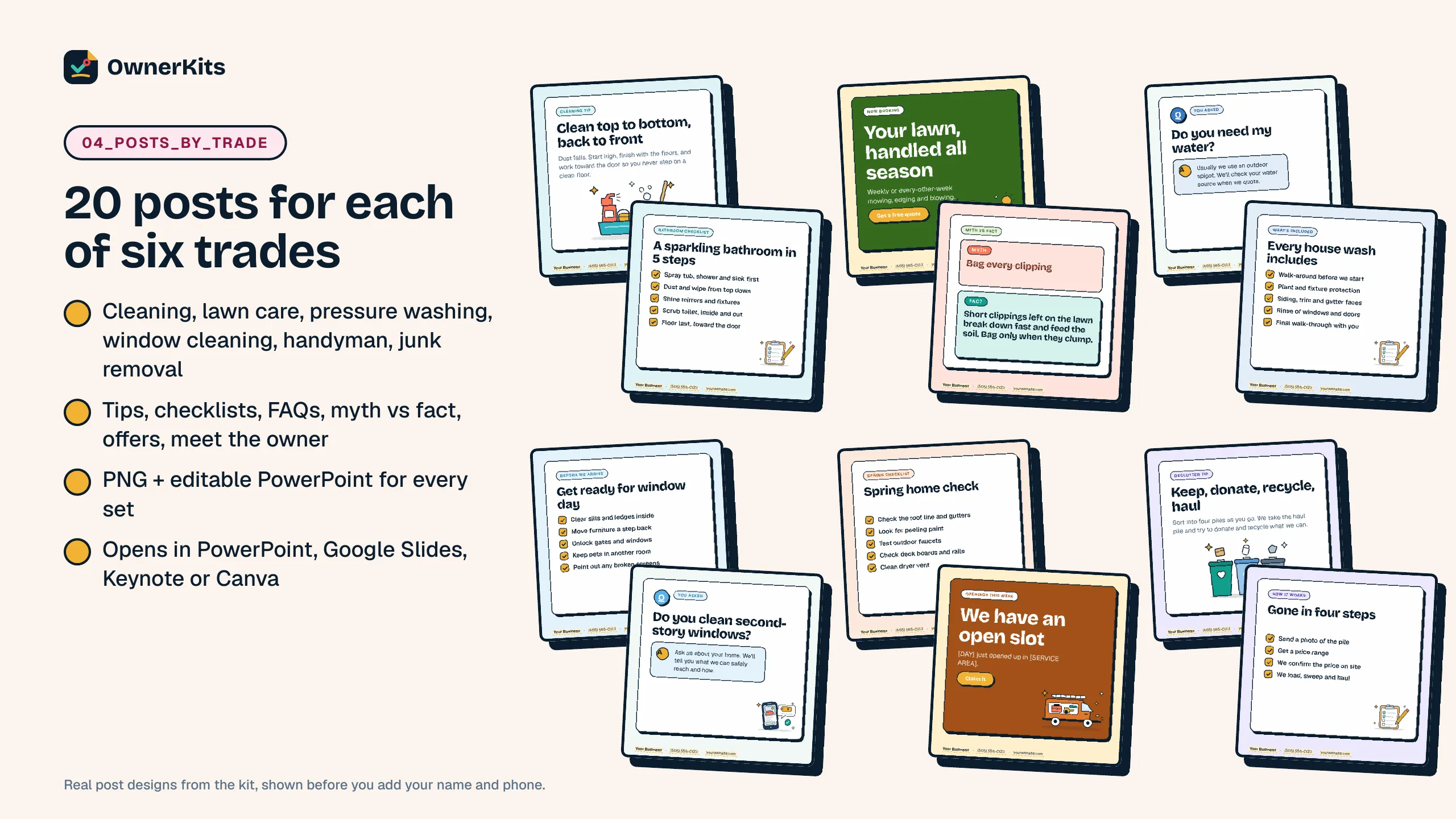
You get 20 designed posts for each of six trades (cleaning, lawn care, pressure washing, window cleaning, handyman and junk removal) plus 24 seasonal posts dated for 2027. Every post comes as a finished 1080 x 1080 PNG and as an editable PowerPoint slide, so you can add your name and phone in PowerPoint, Google Slides, Keynote or Canva (by importing the file). No Canva account needed.
Every post has a ready caption with local placeholders, in a PDF, a Word file and a TXT file you can copy on your phone. The 2027 Social Media Calendar (Excel and Google Sheets, no macros) maps all 104 posting days: pick your trade and every Tuesday shows the file, headline and caption, every Thursday shows a photo idea, and a monthly Results tab counts your posts and what came back. A printable calendar is included too.
The 26-page Social Media Playbook shows the 20-minute weekly routine, how to edit and export a post, five job photos to take on every job (with permission and privacy tips), the Hook - Detail - Ask caption formula and reply scripts, and the 2026 rules on reviews, offers and posting: Nextdoor's Business Page rule, Google's post and review policies and the FTC's reviews rule, with links. Social media can't promise jobs; the kit helps you post steadily and see what works.
144 posts for 6 trades
20 designed posts per trade plus 24 seasonal posts dated for 2027.
A caption for every post
Ready captions with local placeholders, as PDF, Word and a phone-friendly TXT.
2027 calendar spreadsheet
Pick your trade: every Tuesday and Thursday of 2027 shows what to post.
No Canva account needed
Editable PowerPoint files open in PowerPoint, Google Slides, Keynote or Canva.
✦ What's included
✦ Features
Tips, checklists, FAQs, myth vs fact, offers, meet the owner and a real-review frame for each trade.
New Year to holiday hours, with 2027 dates: Mother's Day, Memorial Day, July 4, Labor Day, Thanksgiving, Small Business Saturday and more.
7 chapters: the two-post week, profile setup, editing posts, job photos, captions and replies, rules, and running the year.
A Results tab counts posts done, messages, quotes and jobs from social each month.
✦ How it works
Checkout is handled by Gumroad, with no subscription.
Your receipt has the download link; open 0 - START HERE.pdf first.
Pick your trade in the calendar, add your name and phone to the slides, and post the first graphic with its caption.
✦ FAQ
Buying, downloads, refunds and how the app keeps your data: see all questions
One ZIP with 168 files: 144 post designs as PNG with 7 editable PowerPoint files and 7 proof PDFs, the Caption Library (PDF, Word, TXT), the 2027 Social Media Calendar spreadsheet and a printable calendar (PDF, Word), the 26-page playbook (PDF, Word), a START HERE page and a license file.
House cleaning, lawn care, pressure washing, window cleaning, handyman and junk removal, 20 posts each. The 24 seasonal posts work for any home service business, so owners in other trades can use those plus the playbook and calendar.
No. The editable files are PowerPoint (.pptx), which open in PowerPoint, Google Slides and Keynote. If you use Canva, you can import the .pptx there.
Yes. Change the colors, text and illustration on any slide, add your logo, then export the slide as a PNG.
Yes. Upload it to Google Drive and open it with Google Sheets. It has no macros.
No. It gives you the posts, captions and the plan. You post them yourself or schedule them with the free tools on Facebook and Instagram.
It can't promise that. It helps you post steadily with useful, honest content, and the Results tab shows you what your posts bring in month by month.
Only verified buyers can review, using the license key from their purchase. We publish every review that follows our review policy, positive or negative.
Loading reviews…
✦ You might also like
Template
Ready-to-print door hangers and flyers, 30 social posts, 40 scripts and a 30-day plan to get a cleaning business found, trusted and booked. Editable files.
$27 one-time

Template
9 printable, editable gift certificate designs for home service trades, a gift certificate tracker, a 34-page holiday playbook, 32 messages, 12 social posts and 2 flyers.
$19 one-time
Workbook
A 31-page year-end review and 2027 planning workbook, 39 printable dated planner pages and a goal & revenue spreadsheet for cleaning, lawn, handyman and other home service businesses.
$19 one-time
Template
8 editable review card designs with a QR code box, 2 door hangers, a 31-page playbook, 48 scripts and review replies, a review tracker and 8 social posts for home service businesses.
$19 one-time
Email support@ownerkits.com or visit the support page.
Full refund within 14 days of purchase. Refund policy.
One business. Use and edit the files for your own business; don't resell or share them. Read the license
Home Service Social Media Kit 2027$27 one-time
Buy now