 Demo data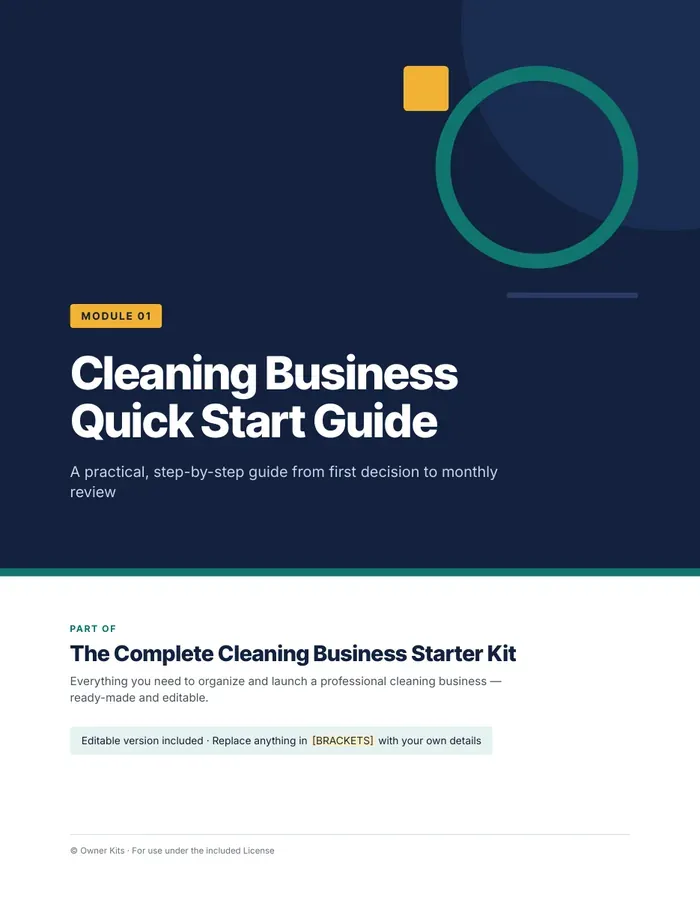
 Demo data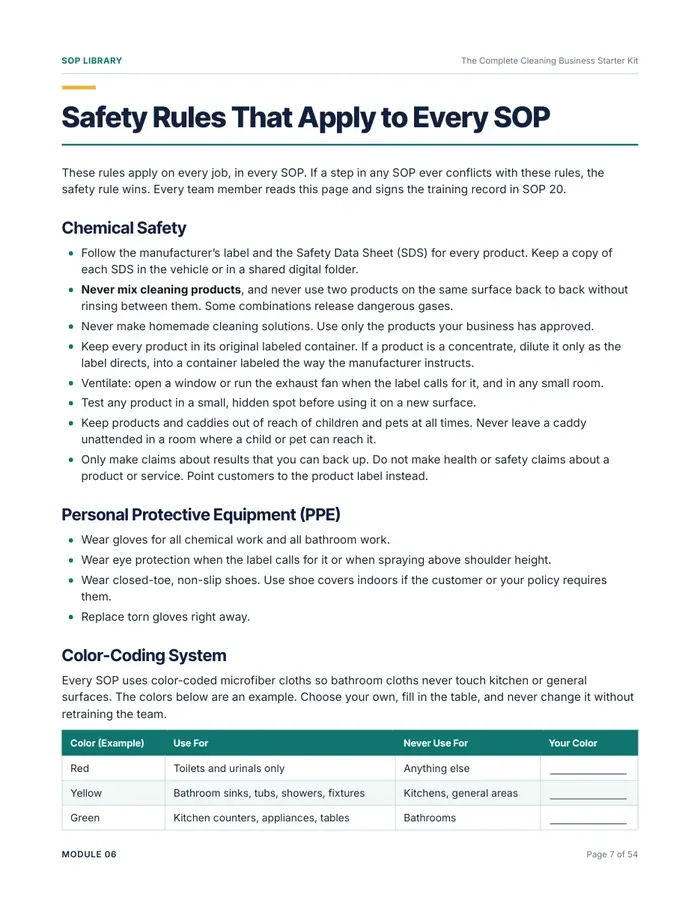
 Demo data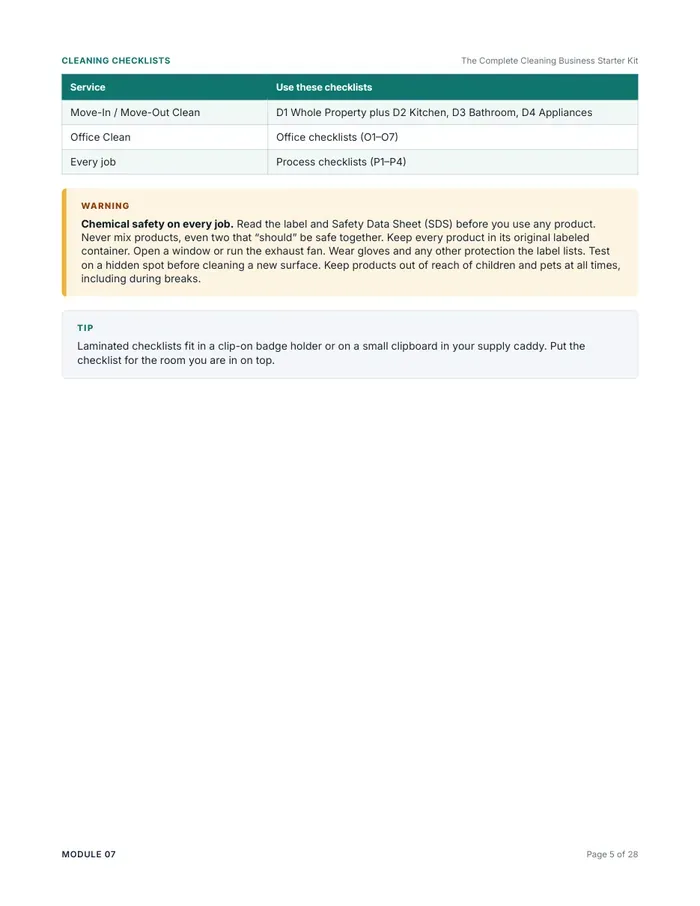
 Demo data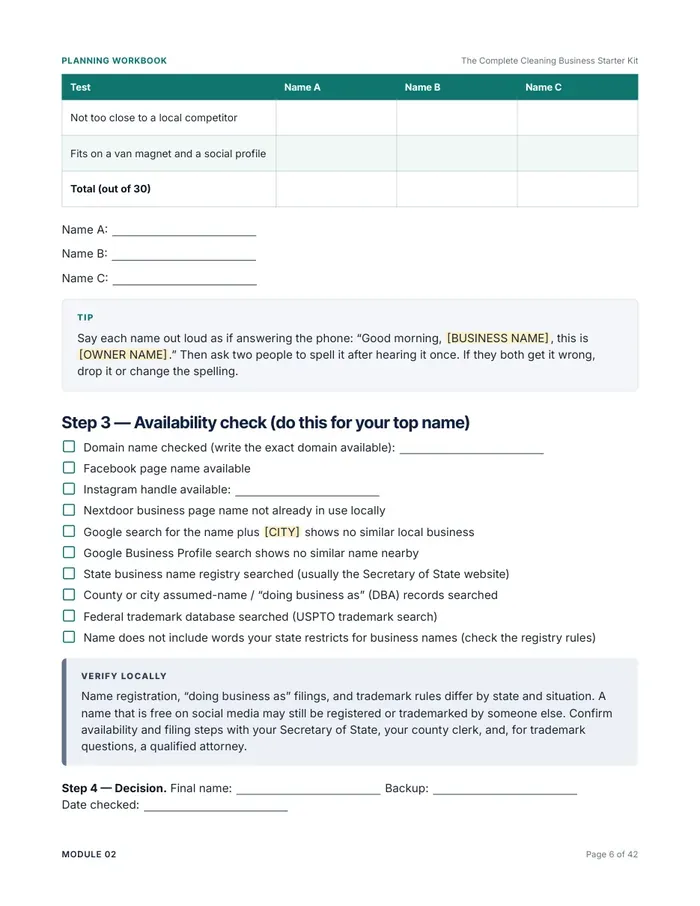
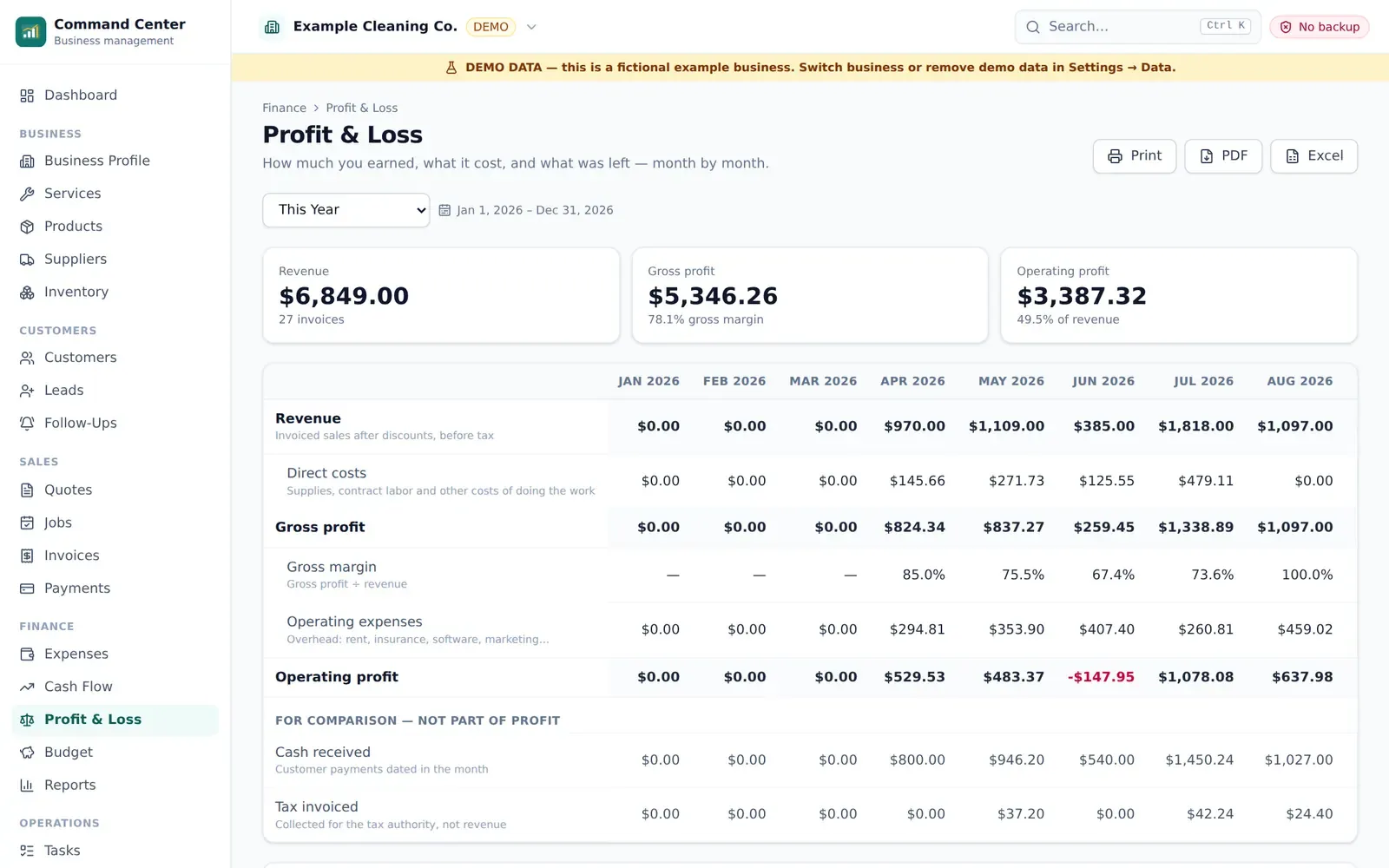 Demo data
 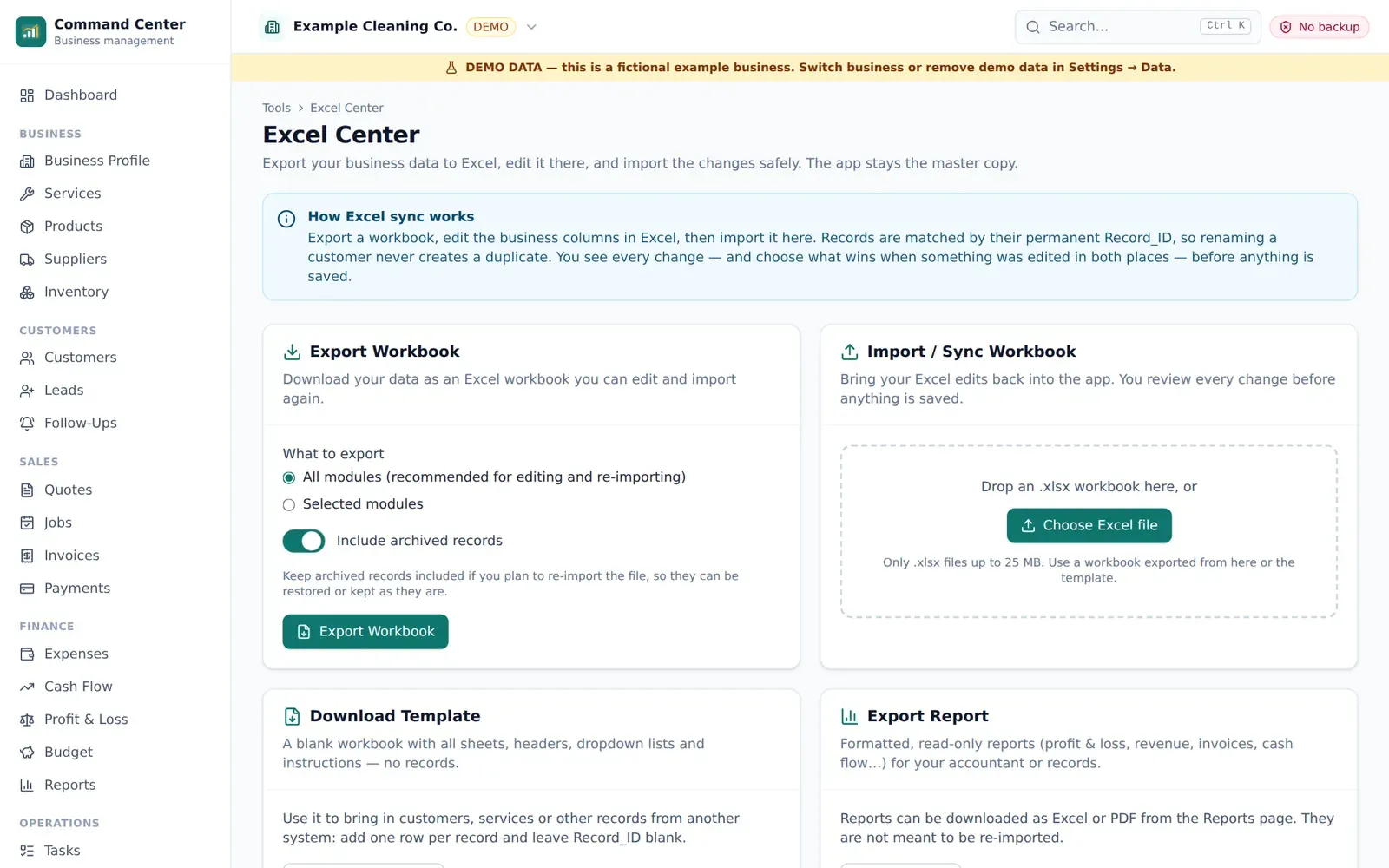 Demo data
 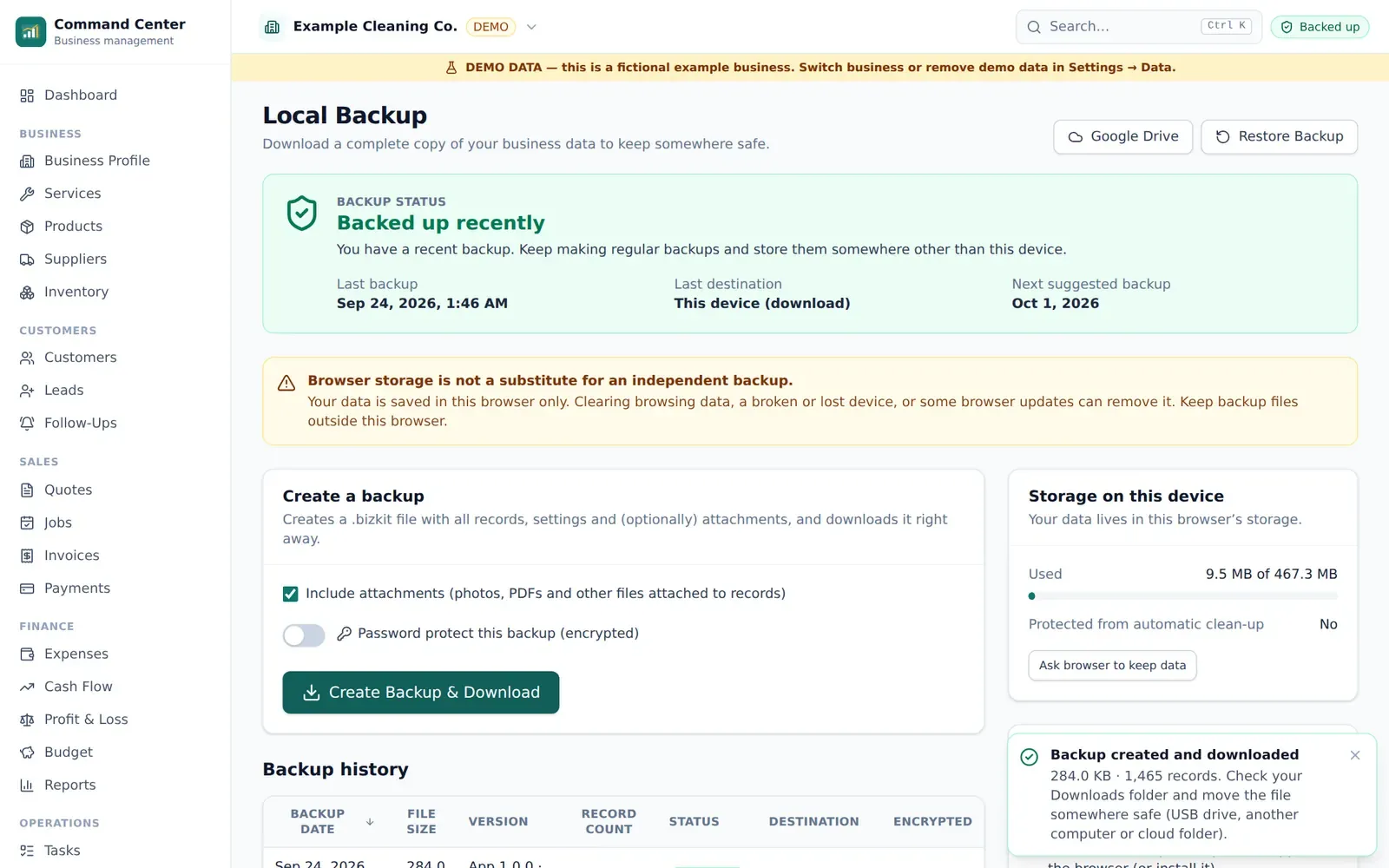 Demo data
 Business · Business Kit · includes app
Cleaning Business Starter Kit
Guides, templates, Excel tools and the Business Command Center app for starting and running a cleaning business.
$37one-time
Buy now- Instant download after payment
- App access: Business Command Center
- 14-day refund · secure checkout by Gumroad
- Type
- Business Kit
- Category
- Business
- Files
- 16 × PDF, 16 × DOCX, 4 × XLSX
- Software
- Browser app (included)
- License
- single business
- Version
- 1.0 · updated September 2026
A complete starter system for a residential or commercial cleaning business. The downloadable kit covers planning, pricing, customer forms, SOPs, checklists, marketing and AI prompts, with an editable Word version of every PDF and four Excel workbooks.
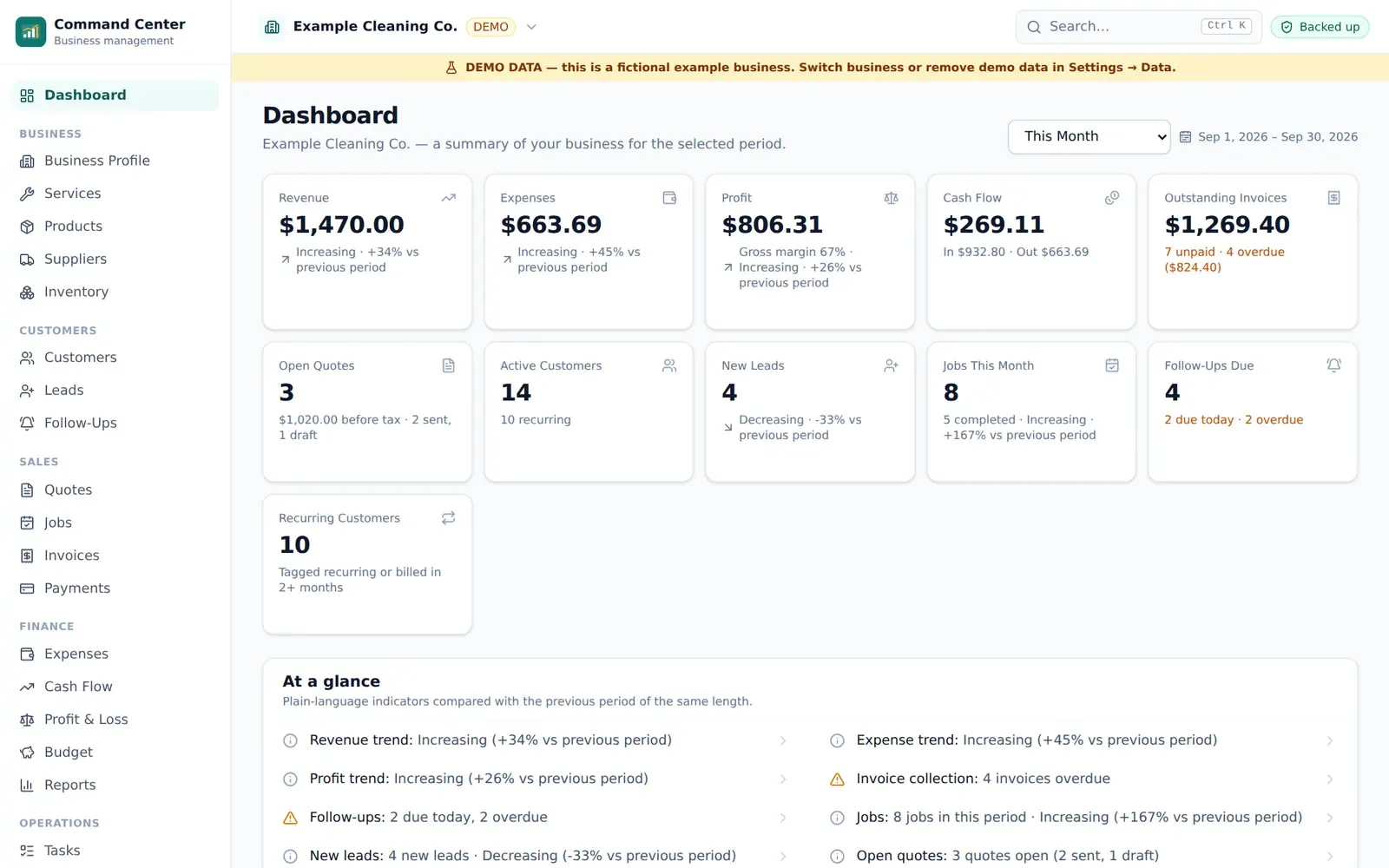
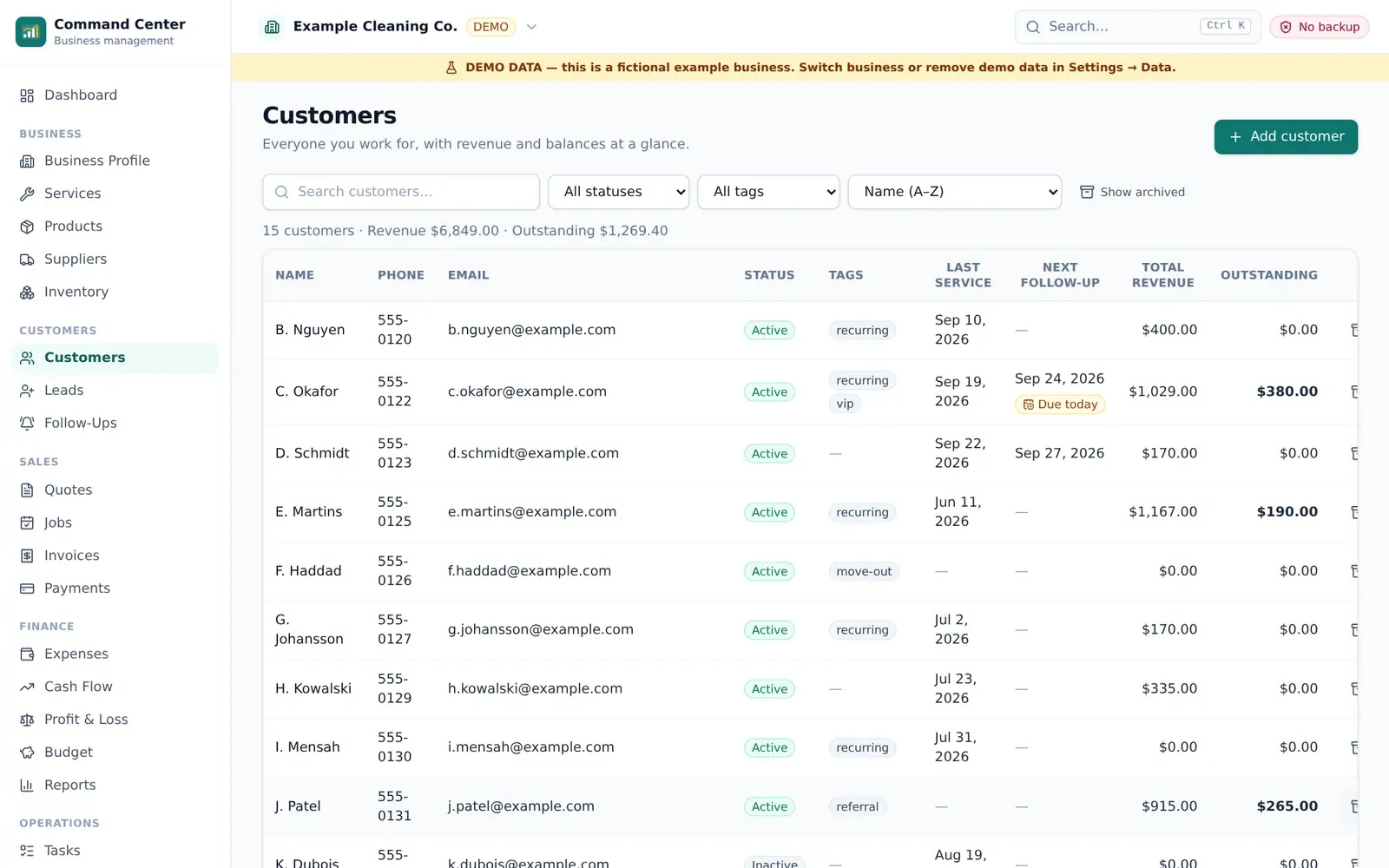
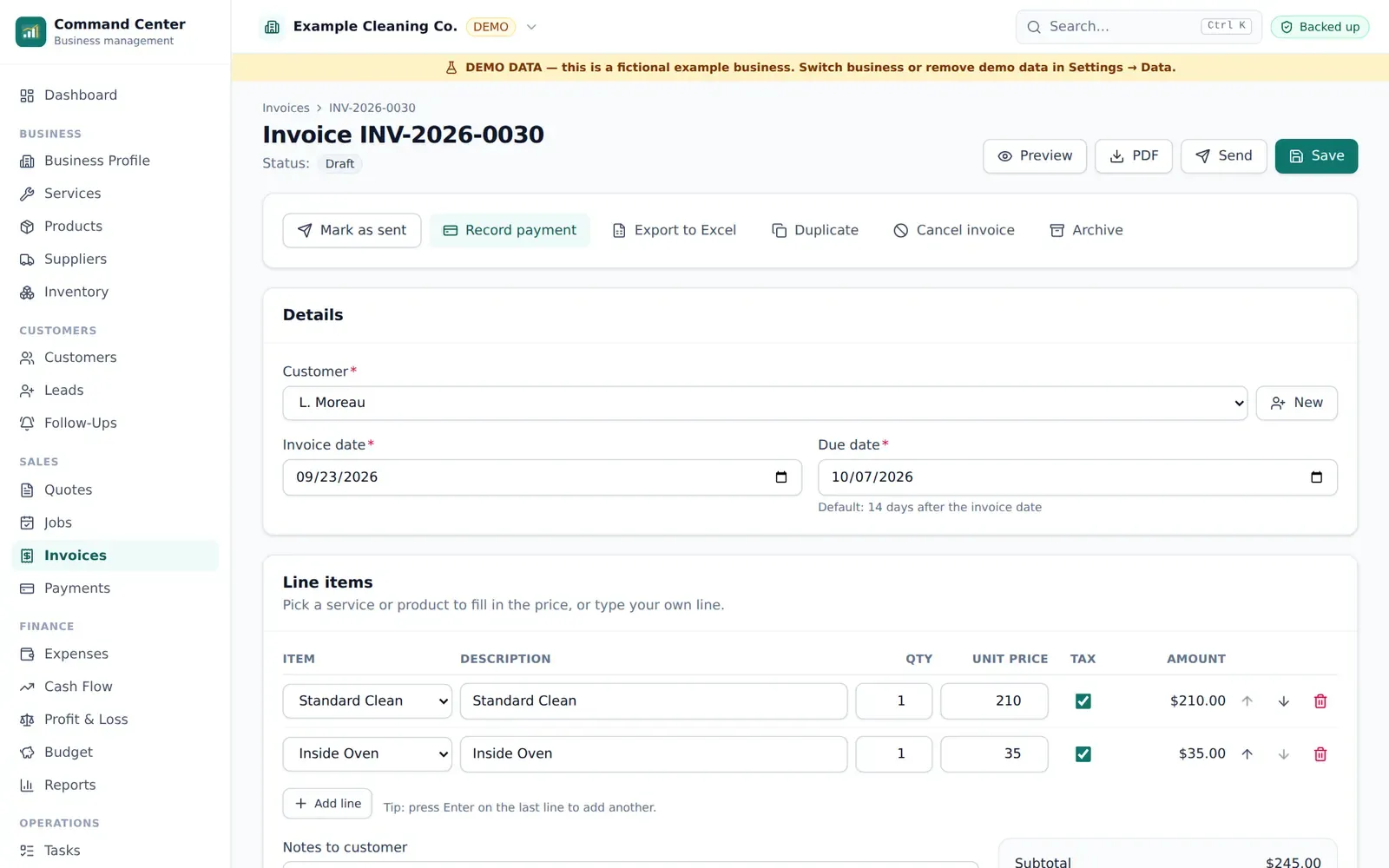
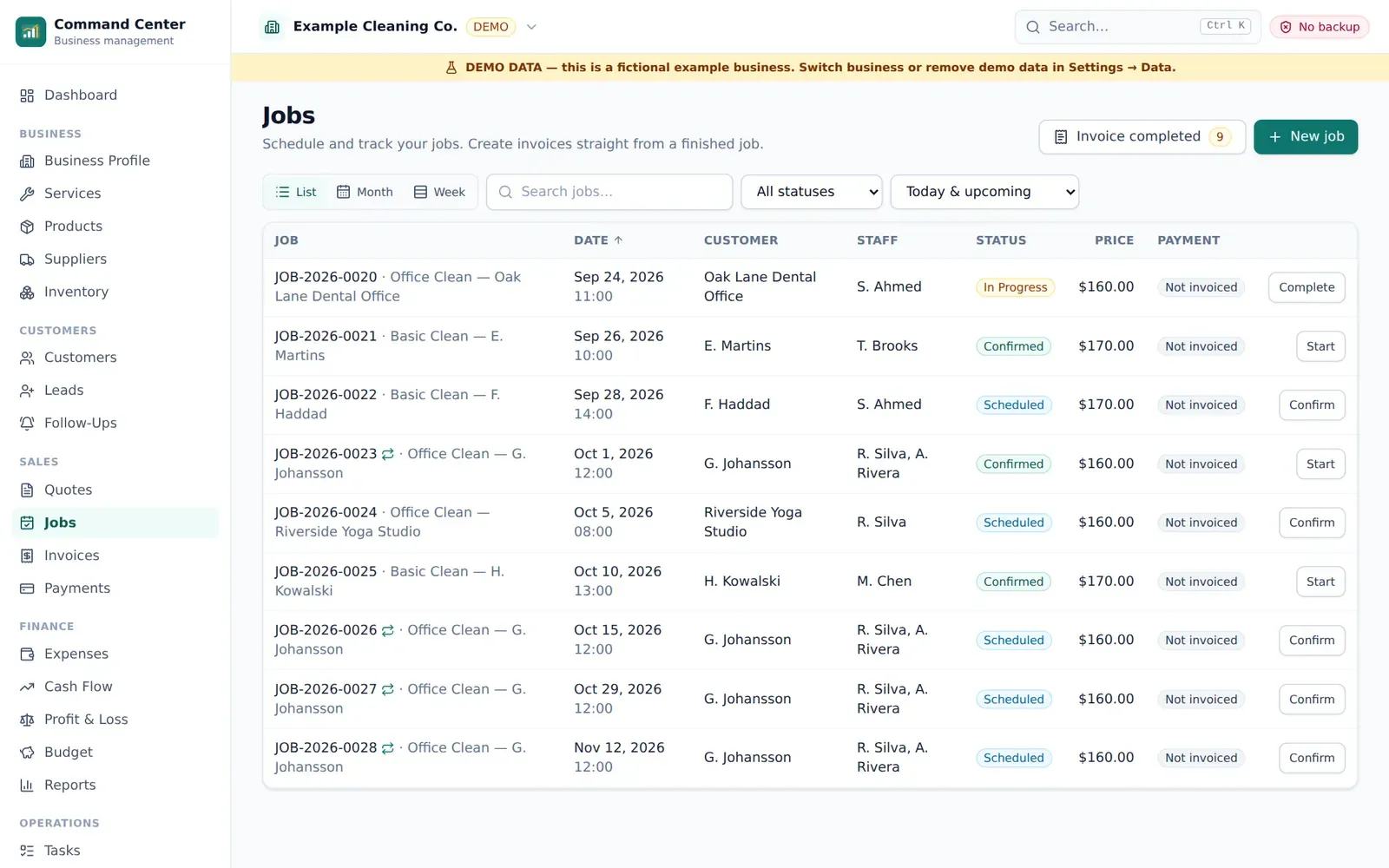
Your purchase also includes a license for the Business Command Center: a browser app for customers, leads, quotes, jobs, invoices, payments, expenses, reports, tasks, SOPs and checklists. It keeps your business data on your own device, works offline after setup, and exports to Excel whenever you want.
Kit + app, one price
The downloadable Starter Kit and a Business Command Center license for one cleaning business.
Your data stays with you
Business records live on your device, not on our servers. Back up to a file you control.
Works with Excel
Four ready workbooks, plus export and import of your whole business with a change review.
What's included
Everything you get
Start your business
- Quick Start Guide — 22 chapters with action steps
- Business Planning Workbook — 18 worksheets
- 30-Day Action Plan
- Naming, pricing and launch checklists
Operate professionally
- SOP library — 20 procedures
- Cleaning checklists — 23 checklists
- Customer forms — 10 forms
- Quote, invoice and receipt templates
- Communication templates — 20 situations for email, SMS and WhatsApp
Grow
- Marketing toolkit — 30-day plan and 100 ideas
- Social media content — 270 posts and ideas
- AI prompt library — 100 prompts
- Review and referral tools
Excel tools
- 4 Excel workbooks, including the Pricing Calculator
- Open in Excel or Google Sheets
Business Command Center app
- Dashboard
- Customers and leads
- Quotes, jobs and invoices
- Payments and expenses
- Profit & loss, cash flow and reports
- Tasks, SOPs and checklists
- Marketing planner and AI prompt library
Data protection
- Local backup file (.bizkit) with optional password encryption
- Restore on any computer
- Excel export and import with change review
- Built-in Google Drive backup — coming soon (you can save the backup file to Drive yourself today)
Features
What Cleaning Business Starter Kit helps you do
Quick Start Guide
From first decision to first customers, one chapter at a time.
Business Planning
Workbook and 30-day plan that turn ideas into a schedule.
Customer Forms
Intake, walkthrough, feedback and other forms, ready to print or send.
Quote & Invoice Templates
Editable in Word, and generated as PDFs inside the app.
SOPs
20 step-by-step procedures so every clean meets the same standard.
Checklists
23 room-by-room and job checklists, also usable inside the app.
Marketing Toolkit
A 30-day marketing plan, 100 ideas and a local ad kit.
Social Content
270 social media posts and ideas to adapt.
AI Prompt Library
100 prompts for marketing, customer service and operations.
Excel Tools
Pricing Calculator and three more working workbooks.
Business Command Center
Customers, quotes, jobs, invoices, expenses and reports in your browser.
Backup & Restore
Portable backup files, optional encryption, restore on a new computer.
Excel Import/Export
Export everything, edit in Excel, import with a preview and conflict review.
Screenshots
See it in use
Real screenshots from the app's demo business. All names and numbers are example data.
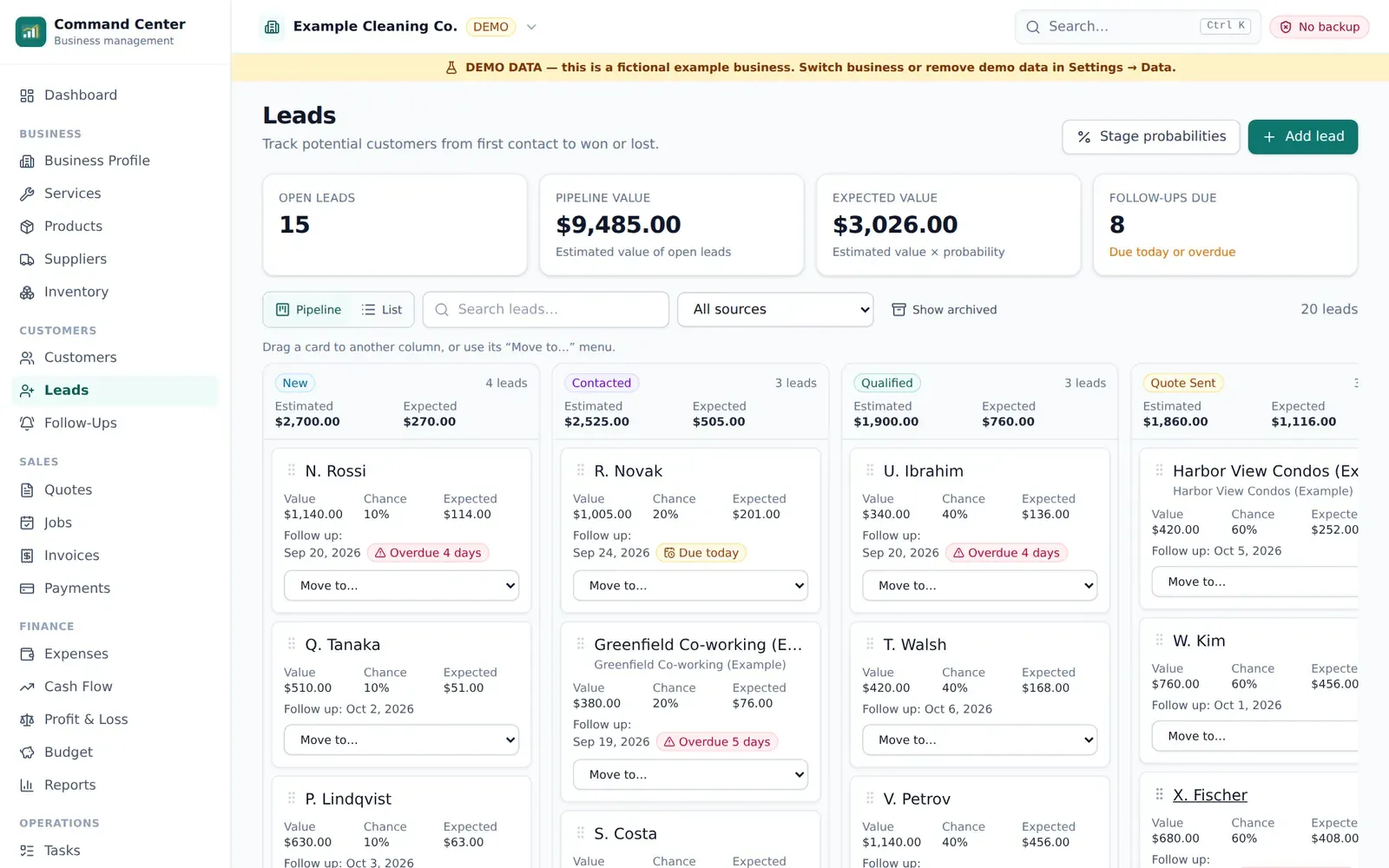
LeadsDemo data 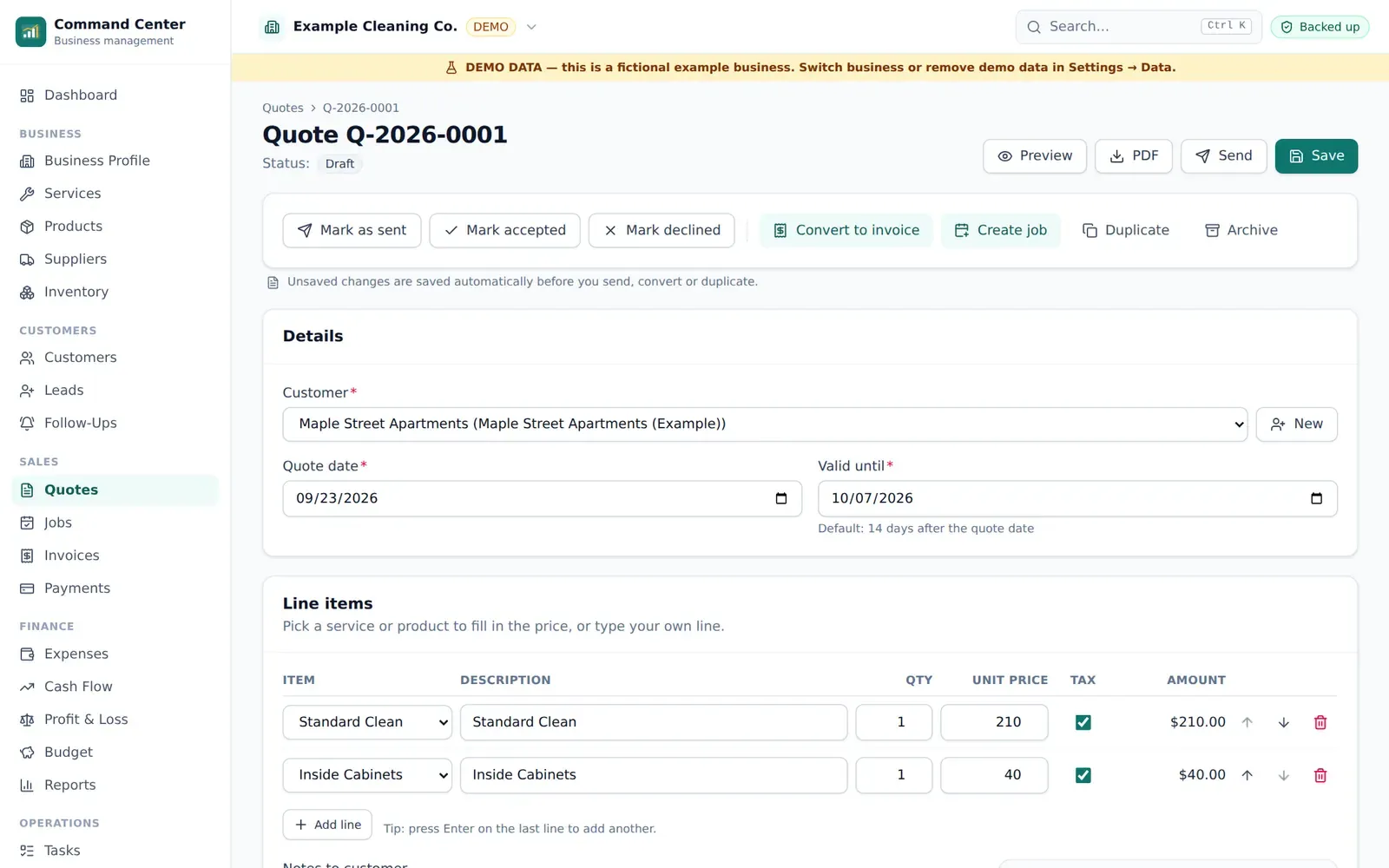
QuotesDemo data 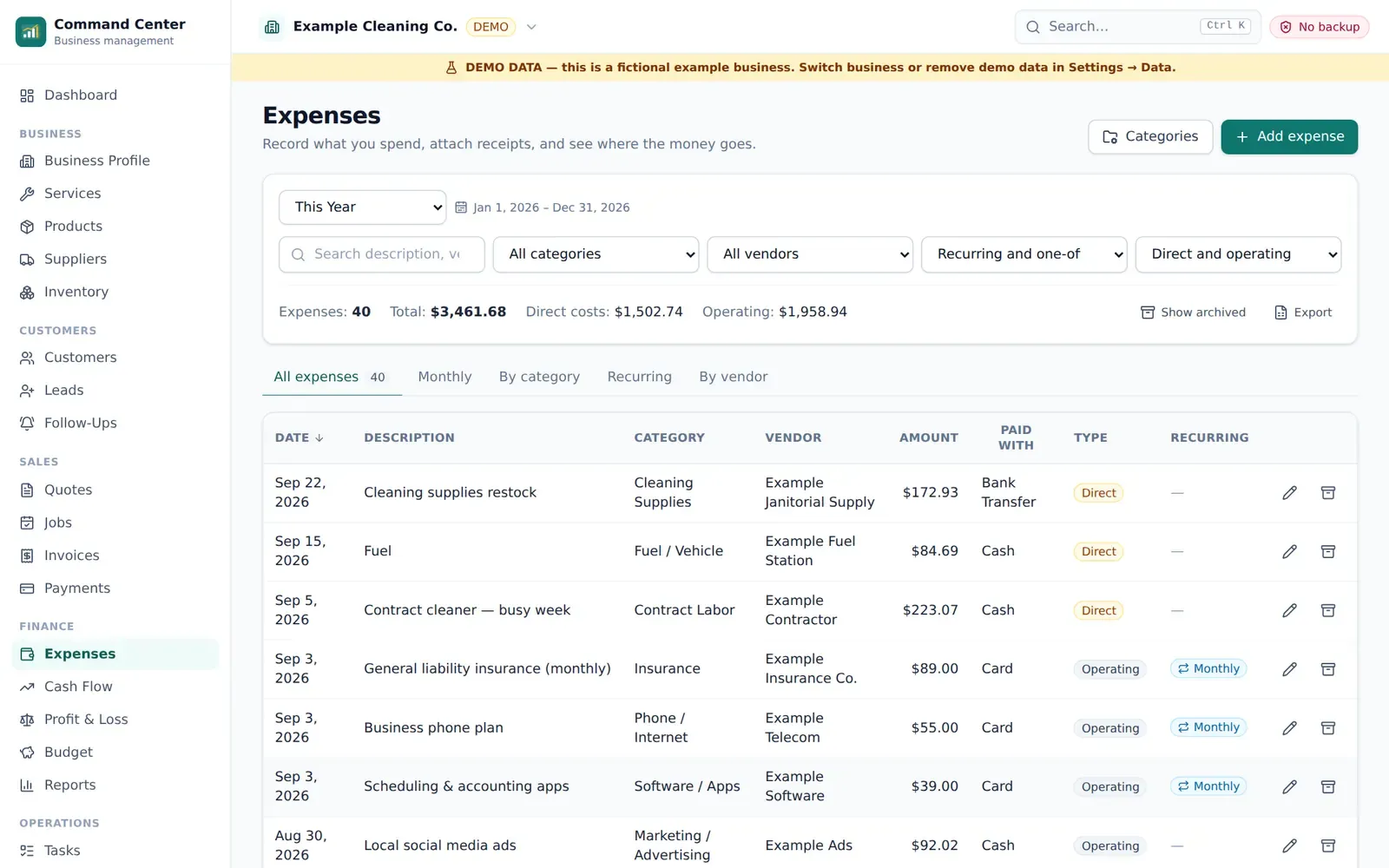
ExpensesDemo data 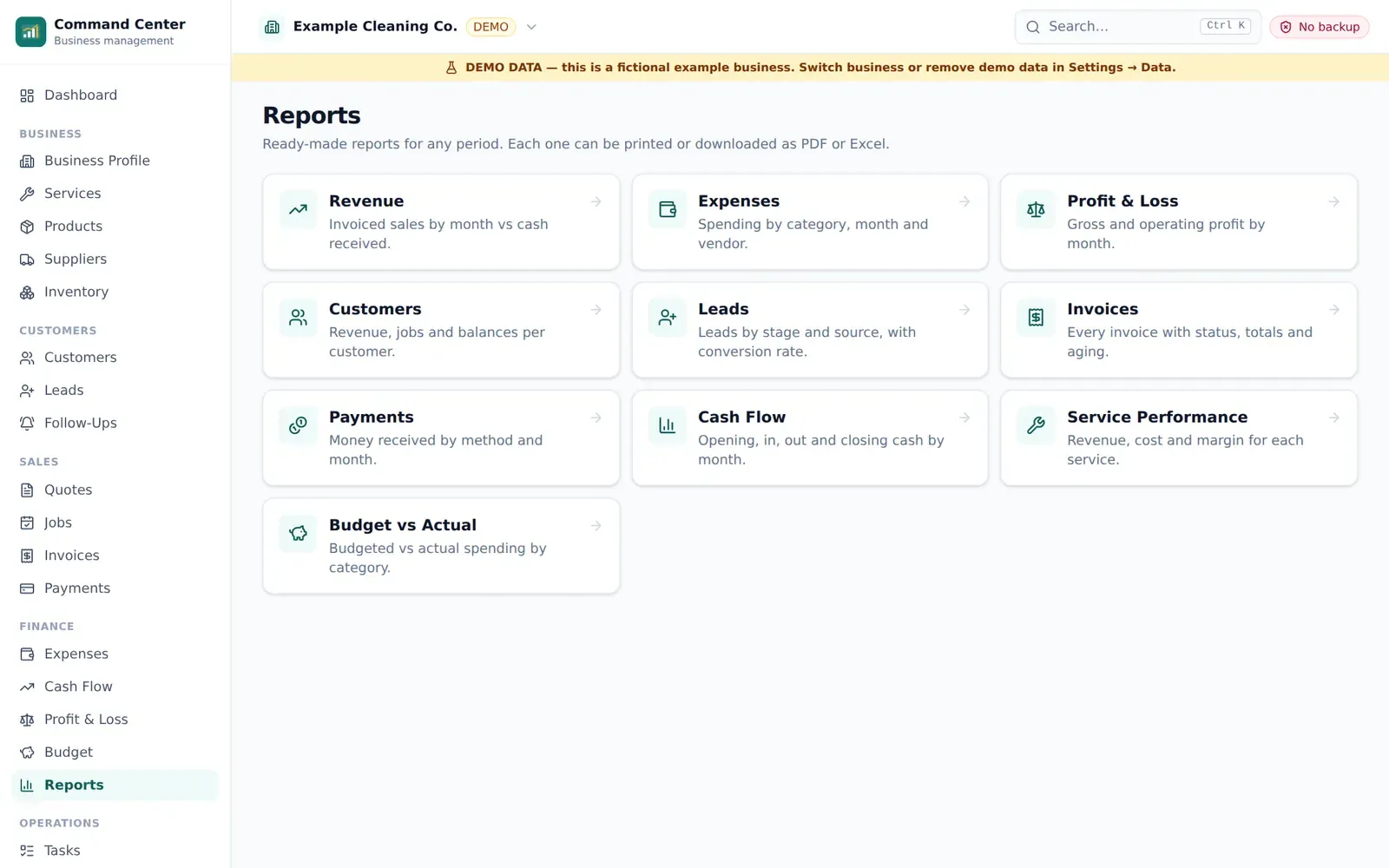
ReportsDemo data 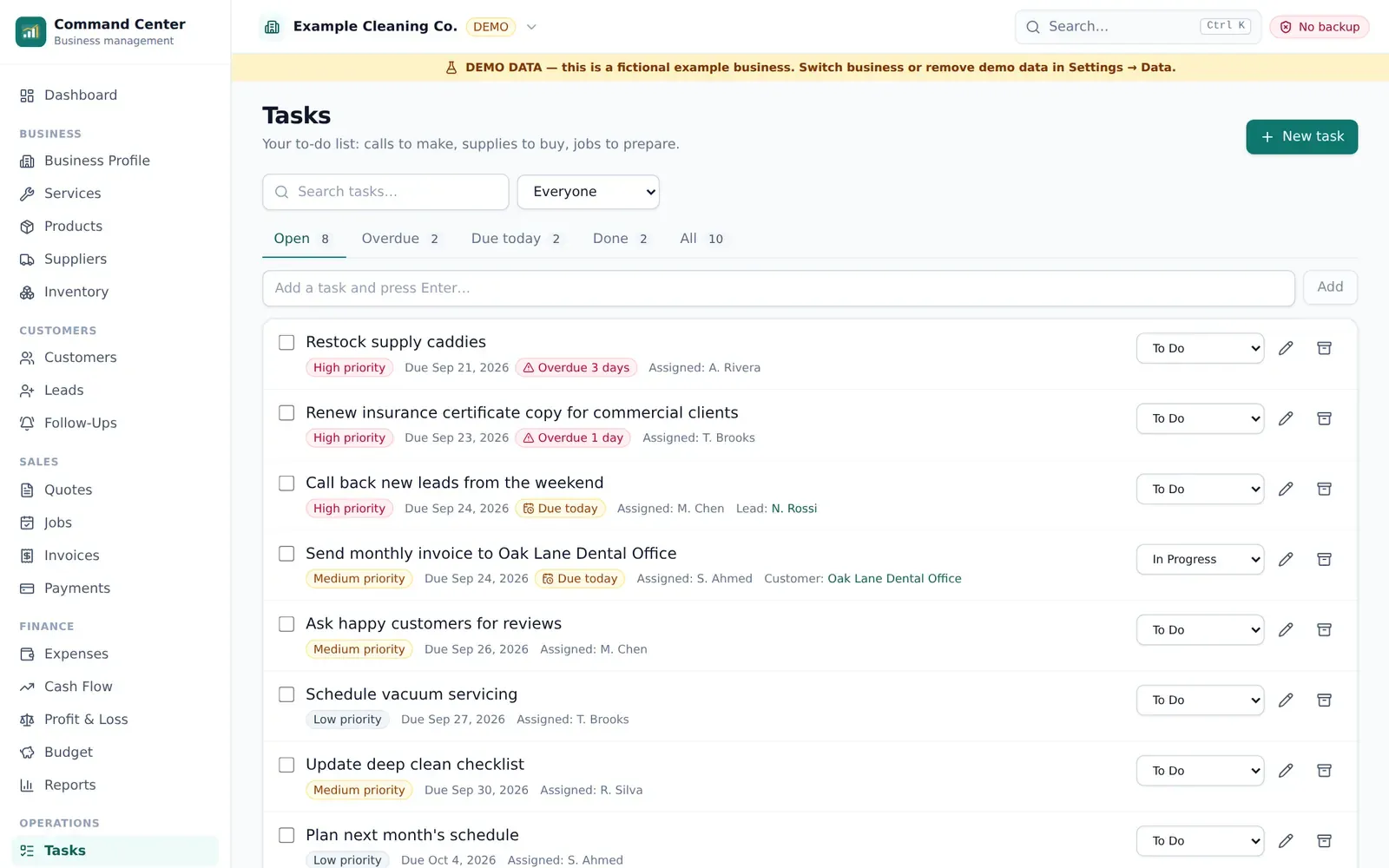
TasksDemo data 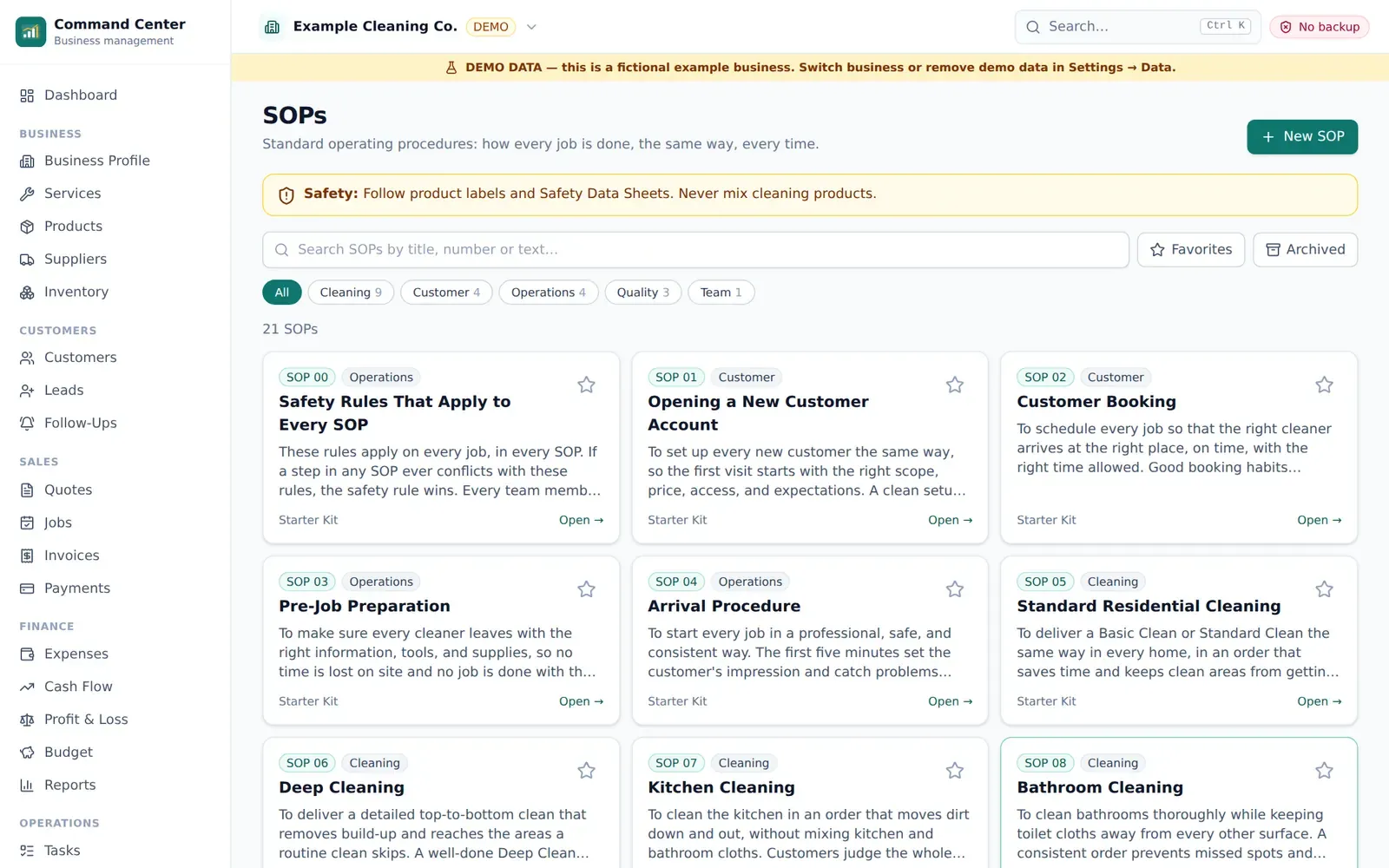
SOPsDemo data
How it works
From checkout to using it
- 1
Buy once
Checkout is handled by Gumroad. You pay once — no subscription.
- 2
Get your files and key
Your receipt email has the download link and your license key.
- 3
Open the app
Go to app.ownerkits.com, choose Get started and paste your key.
- 4
Run your business
Add customers, send quotes, schedule jobs and invoice — online or offline.
Software
About the app
- Browser access
- Runs in your browser at app.ownerkits.com and can be installed like an app (PWA). No account or password.
- Offline use
- Works offline after the first load and license activation. Internet is needed to activate, to update, and for an occasional license re-check.
- Your data
- Your business data is stored on your device (browser storage) and is never uploaded to OwnerKits. The license check sends only your license key, a random device ID and a device label.
- Backup
- Create .bizkit backup files any time (optional password encryption) and restore them on any computer. Built-in Google Drive backup is coming soon.
- Excel
- Export your whole business to one Excel workbook, edit it, and import it back with a preview, validation and conflict review.
- Devices
- One cleaning business on up to 3 devices. Each device keeps its own copy of the data; there is no automatic sync.
Already bought it? Open Business Command Center →
Files, requirements and compatibility
Files included
- 16 × PDF guides and templates (PDF)
- 16 × Editable versions (DOCX)
- 4 × Excel workbooks (XLSX)
Requirements
- A computer, tablet or phone with a current version of Chrome, Edge, Safari or Firefox
- Internet for the download, the first app activation and updates (daily use works offline)
- A PDF reader; Microsoft Word or Google Docs to edit the templates; Excel or Google Sheets for the workbooks
Works with
- Windows
- macOS
- ChromeOS
- iPhone & iPad (Safari)
- Android
- Excel
- Google Sheets
- Word
- Google Docs
Version history
- v1.0 (2026-09-23) — First release: Starter Kit (16 PDFs with Word versions, 4 Excel workbooks) and the Business Command Center app.
FAQ
Questions about this product
What exactly do I receive?
A download (one ZIP) and a license key. The ZIP holds 16 PDF guides and templates, an editable Word version of each, and 4 Excel workbooks. The license key activates the Business Command Center app in your browser.
Is the app included in the price?
Yes. Your purchase includes a license for 1 cleaning business on up to 3 devices.
Does the app work offline?
Yes, once it has loaded on your device and your license is activated. You need internet to activate the first time, to receive updates and for an occasional license re-check.
Where is my business data stored?
On your device, in your browser's storage. Your customers, invoices and numbers are not uploaded to OwnerKits. The app only contacts the license server to check your license.
What if I lose my computer?
Restore your latest backup file on the new device (app.ownerkits.com → Backup → Restore) and carry on. Anything entered after your last backup can't be recovered, so back up regularly and keep the file somewhere other than that computer.
Can I keep using Excel?
Yes. The kit includes 4 workbooks, and the app exports your whole business to Excel and imports it back with a change review. It is export → edit → import, not live sync.
Can I use Google Drive?
You can save your backup file to Google Drive, Dropbox or any cloud folder yourself today. A built-in Google Drive backup option is coming soon.
Is there a subscription?
No. You pay once. Updates within version 1.x are included.
Is this accounting or tax software?
No. It tracks revenue, expenses, profit and cash flow so you understand your business. It doesn't file taxes, take card payments or connect to your bank.
Can I get a refund?
Yes, within 14 days of purchase. Email support@ownerkits.com with your order email. The app license stops working once a purchase is refunded; your data stays on your device and can still be exported.
Support
Email support@ownerkits.com or visit the support page.
Refunds
Full refund within 14 days of purchase. Refund policy.
License
One cleaning business. The app license covers up to 3 devices. Edit and rebrand the templates for your own business; don't resell or share them. Read the license
Cleaning Business Starter Kit$37 one-time
Buy now