 Demo data
 - NEW
- INCLUDES APP
Business · Business Kit
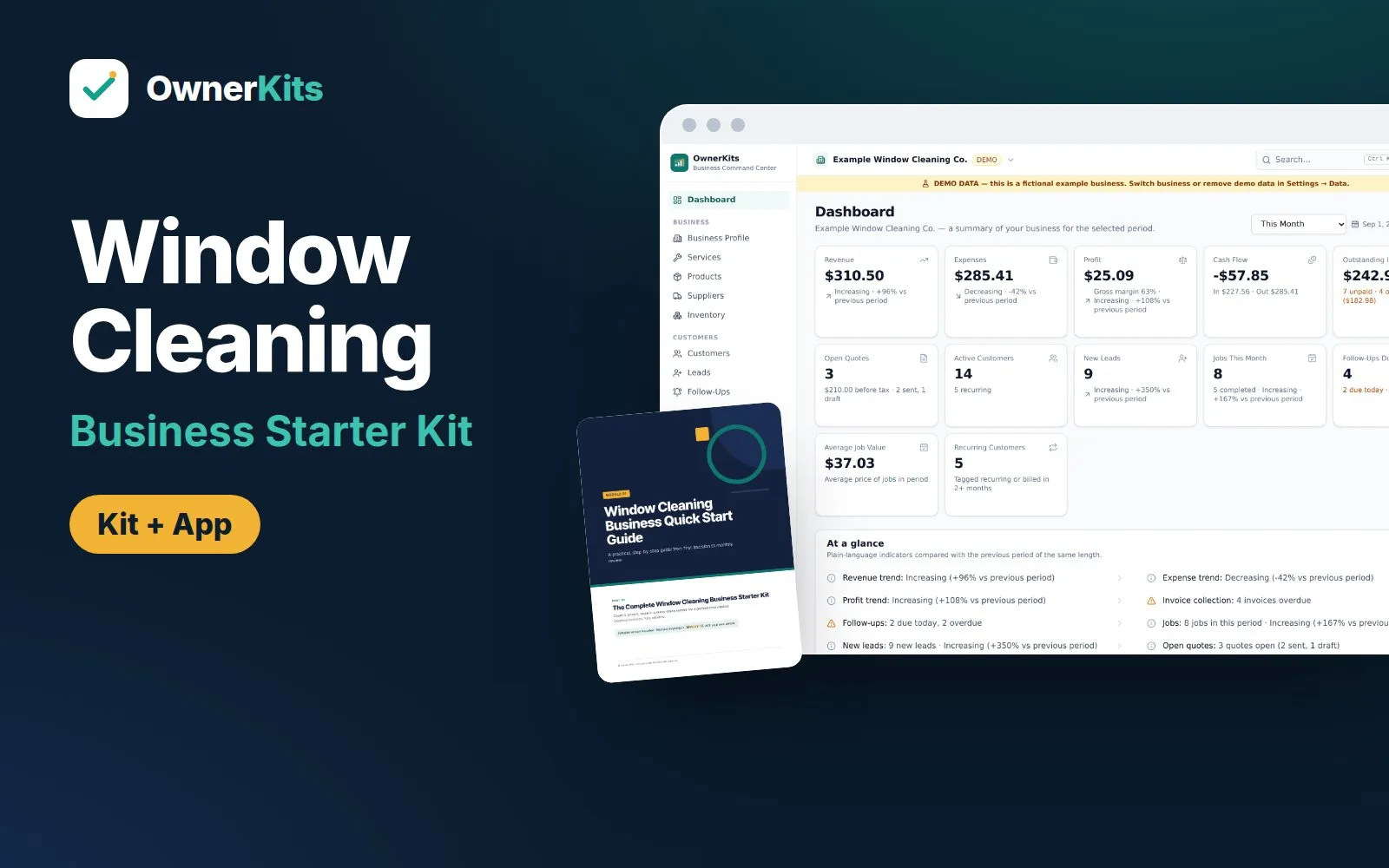
Window Cleaning Business Starter Kit
Count windows, price by type, story and side, build storefront routes, and run jobs and invoices: guides, templates, Excel tools and an app.
$37 one-time
New Cleaning Business Starter Kit — $37 one-time. See what's inside
 Demo data
 Business · Business Kit · includes app
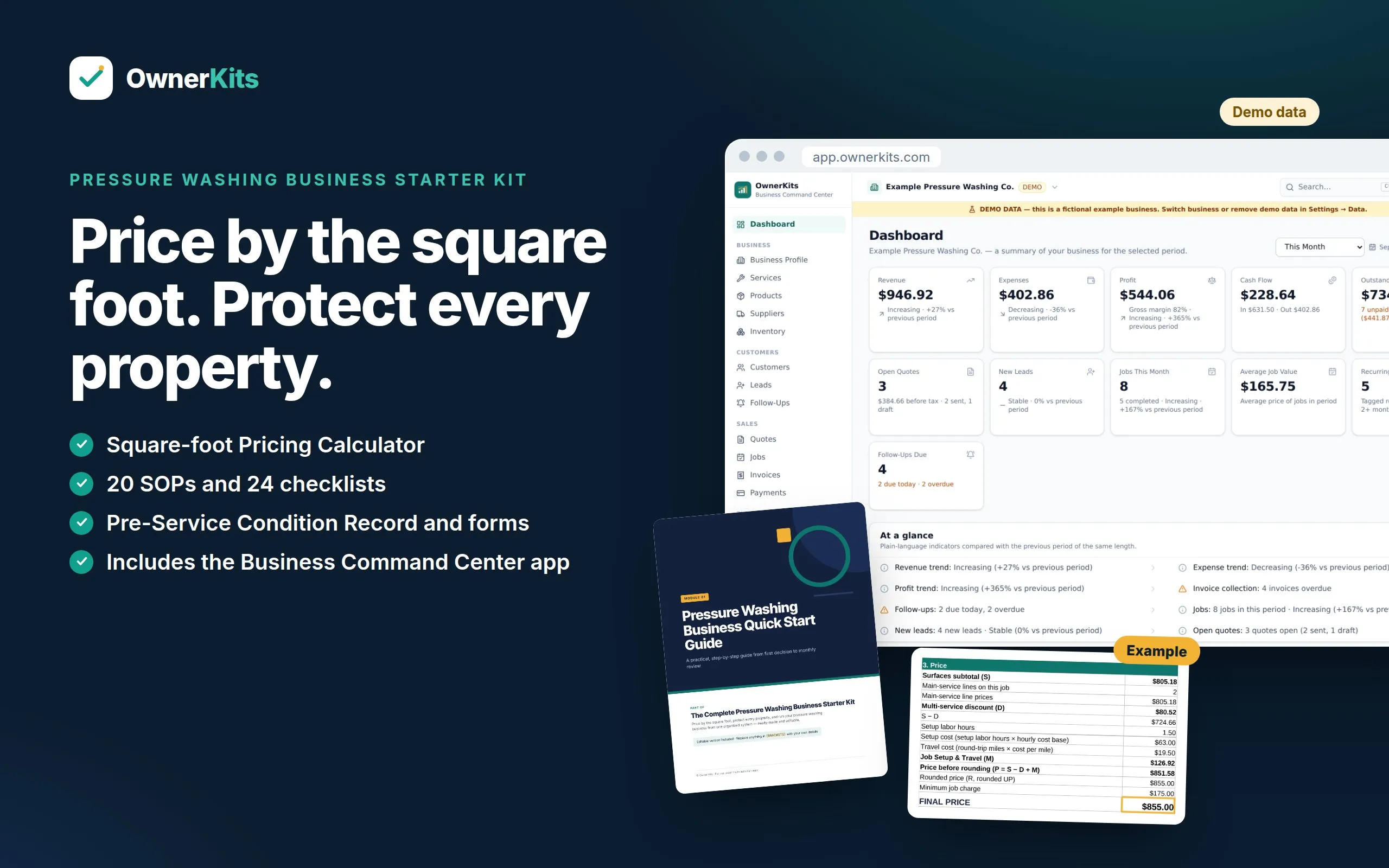
Guides, templates, a square-foot pricing calculator and the Business Command Center app for starting and running a pressure washing business.
$37one-time
Buy nowA complete starter system for a residential and light-commercial pressure washing and soft washing business. The downloadable kit covers planning, measuring, pricing, customer forms, SOPs, checklists, marketing and AI prompts, with an editable Word version of every guide and four Excel workbooks.
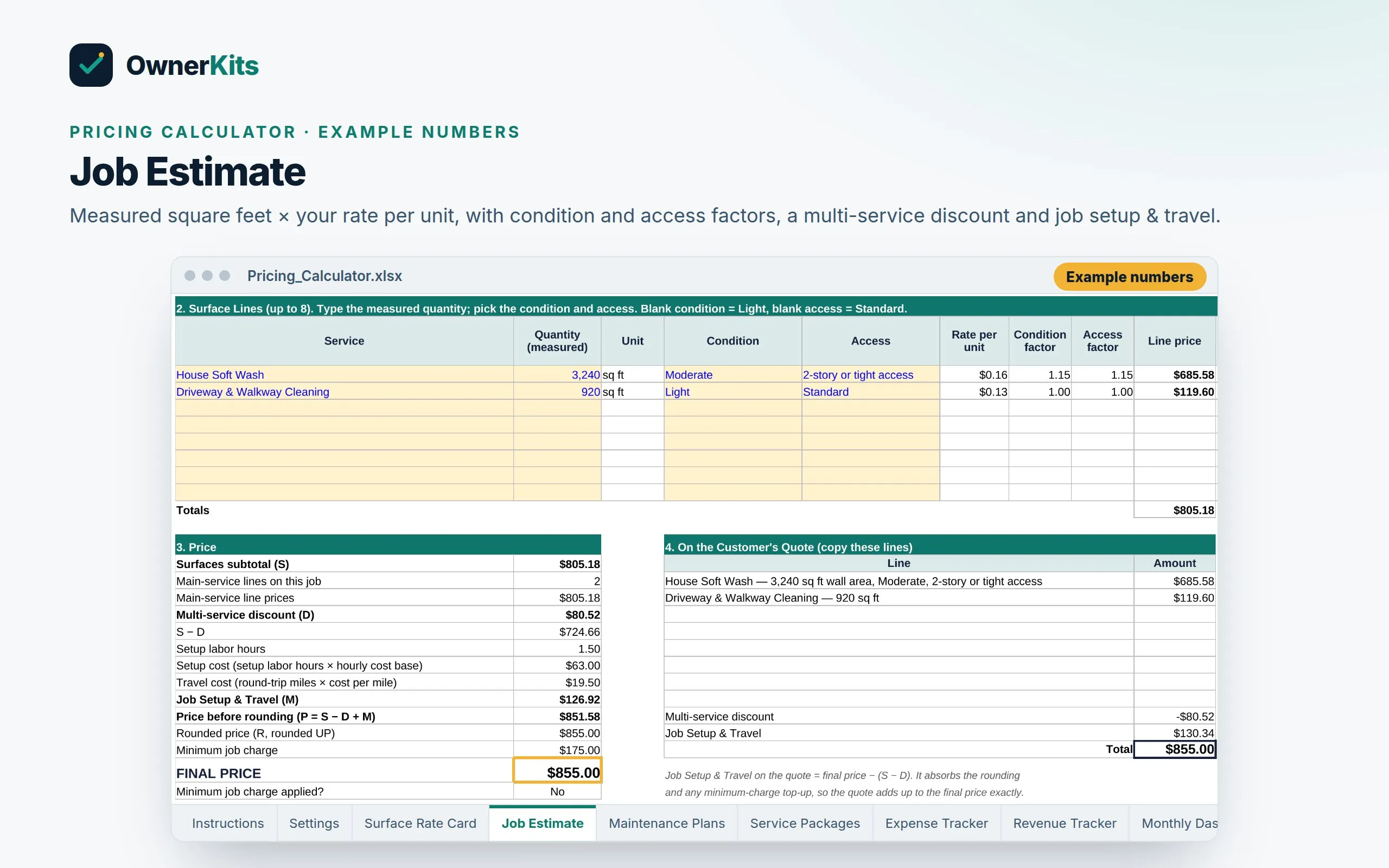
Pricing is built on your own numbers. The Pricing Calculator turns your costs and your timed production rates into a rate per square foot or linear foot for each surface, then prices a whole visit with condition and access factors, Job Setup & Travel, a multi-service discount and a minimum job charge. A separate sheet prices annual and twice-a-year maintenance plans.
Property protection is built in: a Pre-Service Condition Record, change orders, written exclusions for old stains, plant and property protection steps, a runoff and wash water planning worksheet, and a roof go/no-go checklist. The kit never gives chemical strengths or pressure settings; it points you to the product label, the Safety Data Sheet and your equipment manual.
Your purchase also includes a license for the Business Command Center: a browser app for customers, leads, quotes, jobs, invoices, payments, expenses, reports, tasks, SOPs and checklists, set up with the kit's services, add-ons and property fields such as House Wall Area and Water Source. It keeps your business data on your own device, works offline after setup, and exports to Excel whenever you want.
Price by the square foot
A Surface Rate Card, Job Estimate and Maintenance Plan calculator built on your own costs and your own timed production rates.
Protect every property
Pre-Service Condition Record, change orders, written stain exclusions, and plant, runoff and roof go/no-go checklists.
Kit + app, one price
The downloadable Starter Kit and a Business Command Center license for one pressure washing business.
Your data stays with you
Business records live on your device, not on our servers. Back up to a file you control.
What's included
Features
Quick Start Guide
22 chapters from choosing services to your first 30 days, written for pressure and soft washing.
Surface Rate Card
Turns your costs and timed production rates into a rate per square foot or linear foot for every surface.
Job Estimate
Prices a visit with condition and access factors, Job Setup & Travel, discounts, rounding and a profit check.
Maintenance Plans
Prices the Annual Curb Appeal Plan, Twice-a-Year Flatwork Plan and commercial agreements.
Property Protection
Pre-Service Condition Record, change orders, written exclusions and an issue report form.
Water and Runoff Planning
A worksheet, SOP and checklist for water source, storm drains and wash water, with what to verify locally.
SOPs
20 procedures in job order, from measuring to final walkthrough, with quality checks.
Checklists
24 checklists, including weather go/no-go, plant protection and a roof go/no-go gate.
Customer Forms & Messages
10 forms and 20 message situations, including weather reschedules and before-and-after delivery.
Marketing & Social Content
A 30-day marketing plan, 100 ideas, 270 social posts and a Meta ads starter kit.
AI Prompt Library
100 prompts for quoting, scheduling, weather, crew training, plans and commercial accounts.
Excel Tools
Pricing Calculator and three more working workbooks, including a Fuel & Equipment Hours log.
Business Command Center
Customers, quotes, jobs, invoices, expenses and reports in your browser, set up for pressure washing.
Backup & Excel Import/Export
Portable backup files, optional encryption, and export → edit → import with a change review.
Deposits & payments
Ask for a deposit on a quote, record it when it's paid, and it's taken off the invoice automatically.
Reviews & referrals
Ask customers for a review from a finished job and follow up, and run a referral program that tracks who sent whom and the reward earned.
Staff schedule & job photos
A week and day schedule per team member with overlap warnings and time off, plus before/after photos on every job, kept on your device.
How it works
Buy once
Checkout is handled by Gumroad. You pay once — no subscription.
Get your files and key
Your receipt email has the download link and your license key.
Set your numbers
Enter your own costs and production rates in the Pricing Calculator to build your rate card.
Run your business
Open app.ownerkits.com, paste your key, then add customers, send measured quotes, schedule jobs and invoice — online or offline.
Software
Already bought it? Open Business Command Center →
FAQ
A download (one ZIP) and a license key. The ZIP holds 16 PDF guides and templates, an editable Word version of each, 4 Excel workbooks, a Start Here guide and an app guide. The license key activates the Business Command Center app in your browser.
The app is included. Your purchase covers 1 pressure washing business on up to 3 devices. You pay once; updates within version 1.x are included.
No. It gives you a method, not someone else's rates. The Pricing Calculator turns your own costs and your own timed production rates into a rate for each surface. Every number in the kit is a labeled example to replace with yours, and the kit shows how to update your rates after every 5 to 10 jobs of a type.
No, on purpose. Those depend on the product and the machine. The kit tells you to follow the product label, the Safety Data Sheet (SDS) and your equipment manual, and to get training from the equipment maker, a dealer or a recognized safety course. It covers everything around the wash: measuring, pricing, protection, paperwork and follow-up.
Yes. House Soft Wash has its own SOP and checklist. Roof Soft Wash is treated as an advanced service with a go/no-go checklist and safety controls, not step-by-step technique. Roof work carries fall risk. Verify your insurance covers it and check local requirements before you offer it.
It gives you a Water and Wastewater Plan worksheet, a runoff SOP and checklist, a Wastewater Recovery Setup add-on line, and a list of topics to check with your city or county stormwater program and local sewer authority. It does not tell you what the rules are where you work, because they vary.
The app's job repeat covers weekly, every 2 weeks, every 4 weeks and monthly, so monthly commercial visits can repeat. Annual, twice-a-year and quarterly plans use the Next Service Due field on the customer plus a follow-up reminder. The kit's Maintenance Plan Schedule tracker and message templates cover the renewal.
Yes. A quote line is quantity × unit price, so you can enter 920 sq ft at your driveway rate. When a condition or access factor applies, enter the line price from the Pricing Calculator and put the measurement in the description.
Most of the value is in the pricing method, SOPs, checklists, forms and templates, which work alongside any software. The app and spreadsheets are there if you want them; you don't have to switch.
Yes, once it has loaded on your device and your license is activated. You need internet to activate the first time, to receive updates and for an occasional license re-check.
On your device, in your browser's storage. It is not uploaded to OwnerKits. If you lose a device, restore your latest backup file on a new one (Backup → Restore). Anything entered after your last backup can't be recovered, so back up every week and keep the file somewhere other than that device.
Yes. The 4 workbooks open in Excel or Google Sheets, and the app exports your whole business to Excel and imports it back with a change review (export → edit → import, not live sync). You can save your backup file to Google Drive yourself today; a built-in Google Drive backup is coming soon.
No. It tracks revenue, expenses, profit and cash flow so you understand your business. It doesn't file taxes, take card payments or connect to your bank.
Yes, within 14 days of purchase. Email support@ownerkits.com with your order email. The app license stops working once a purchase is refunded; your data stays on your device and can still be exported.
Only verified buyers can review, using the license key from their purchase. We publish every review that follows our review policy, positive or negative.
Loading reviews…
Demo data Business · Business Kit
Count windows, price by type, story and side, build storefront routes, and run jobs and invoices: guides, templates, Excel tools and an app.
$37 one-time
 Demo data
 Business · Business Kit
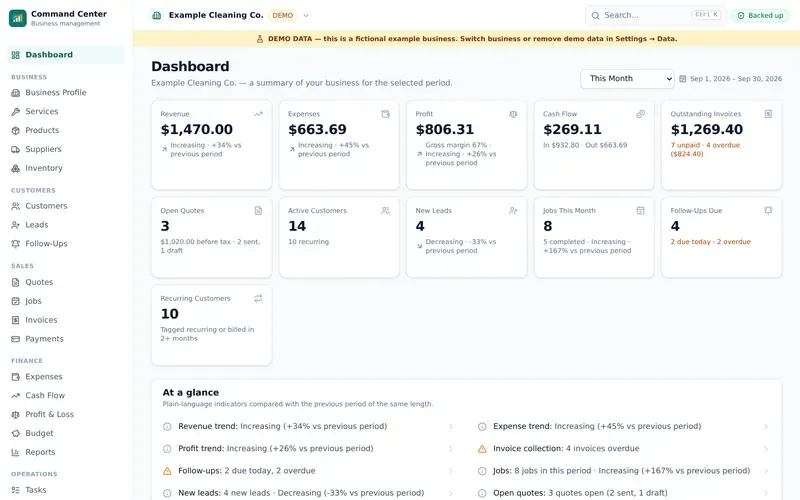
Start and run a cleaning business: guides, SOPs, checklists, templates, Excel tools and a local-first business app.
$37 one-time
 Demo data
 Business · Business Kit
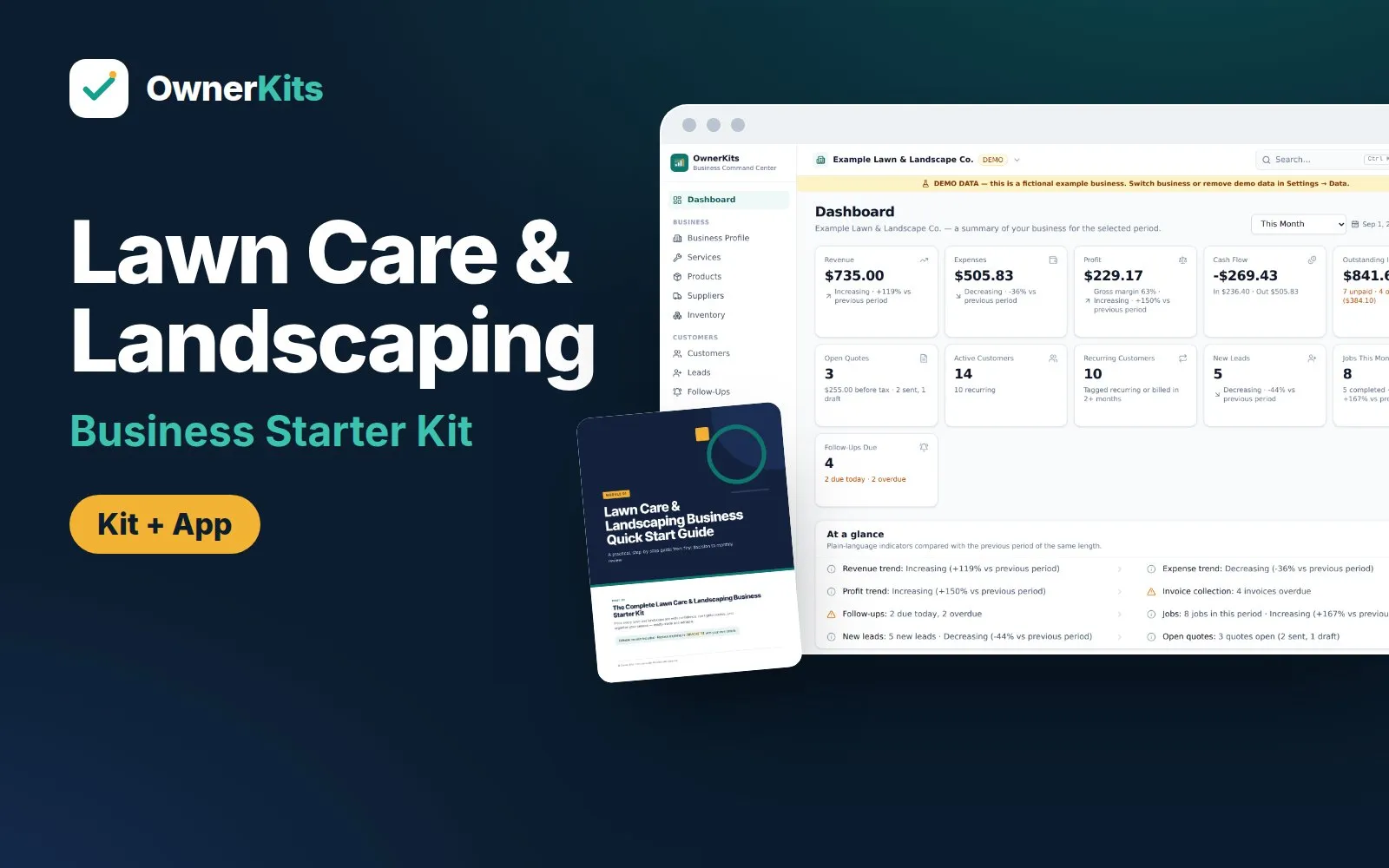
Price mowing visits, seasonal plans and landscape projects, then run routes, rain days, quotes and invoices with a guide set, Excel tools and a local-first app.
$37 one-time
Business · Business Kit
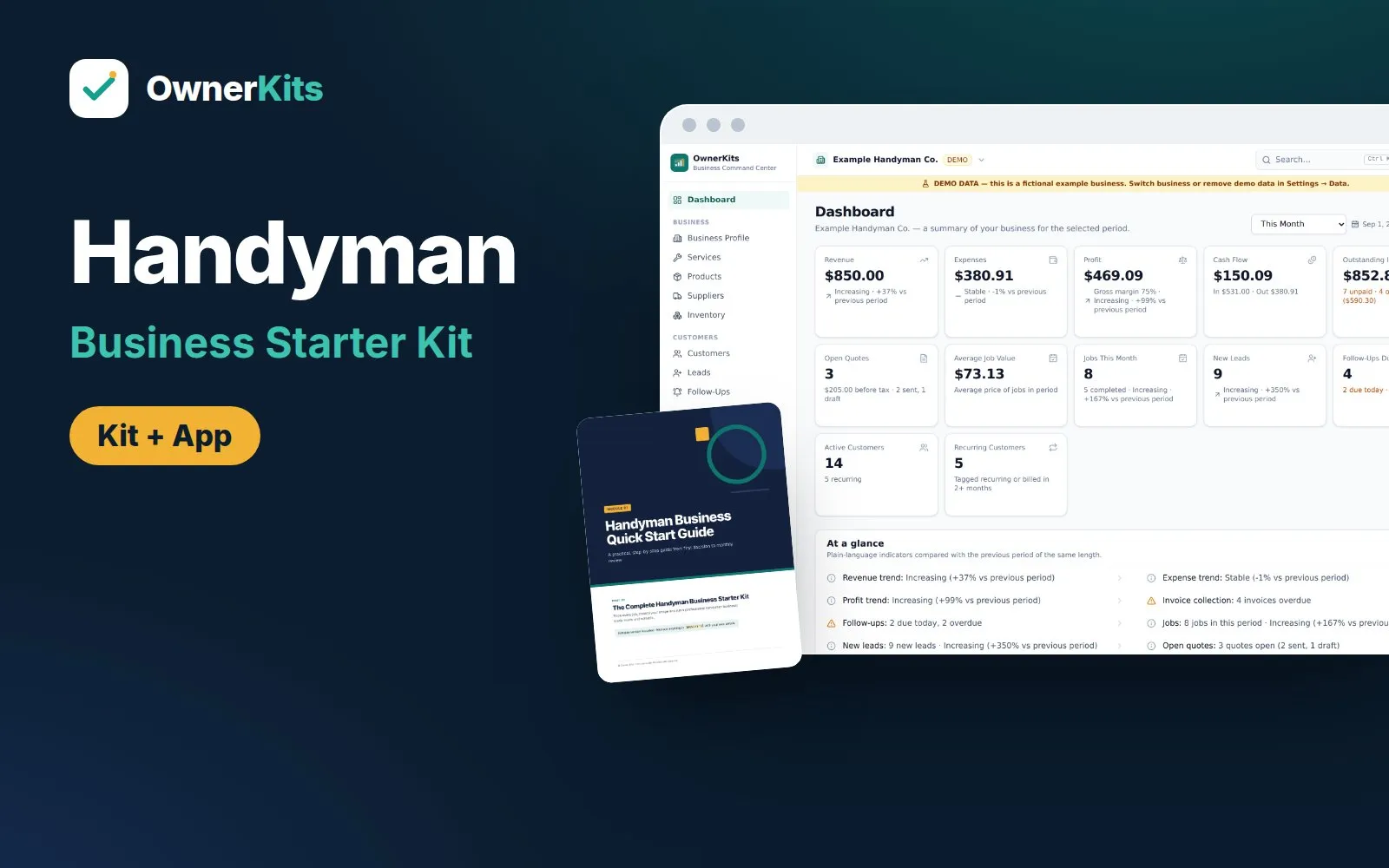
Price handyman jobs four ways, control scope with change orders and a refer-out system, and run the business in a local-first app.
$37 one-time
Email support@ownerkits.com or visit the support page.
Full refund within 14 days of purchase. Refund policy.
One pressure washing business. The app license covers up to 3 devices. Edit and rebrand the templates for your own business; don't resell or share them. Read the license
Pressure Washing Business Starter Kit$37 one-time
Buy now