Skip to content

New Cleaning Business Starter Kit — $37 one-time. See what's inside

OwnerKits
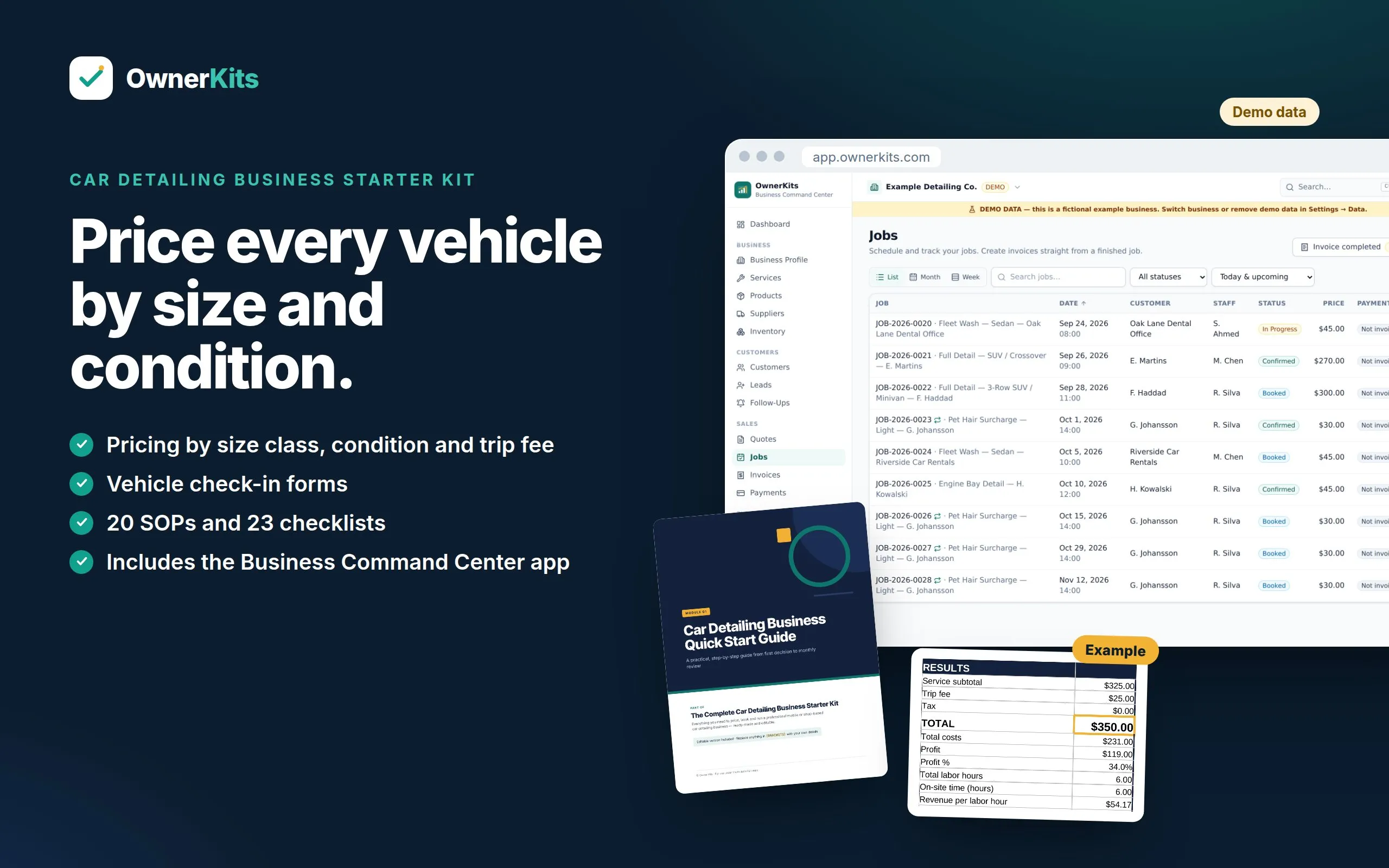
Cover of The Complete Car Detailing Business Starter Kit with a laptop showing the app dashboard and a printed check-in form Demo data
The Starter Kit and app

Business · Business Kit · includes app

Car Detailing Business Starter Kit

Guides, pricing calculators, templates, Excel tools and the Business Command Center app for a mobile or shop-based car detailing business.

$37one-time

Buy now
  • Instant download after payment
  • App access: Business Command Center
  • 14-day refund · secure checkout by Gumroad
Type
Business Kit
Category
Business
Files
16 × PDF, 16 × DOCX, 4 × XLSX, 2 × PDF + HTML
Software
Browser app (included)
License
single business
Version
1.0.0 · updated September 2026

A complete starter system for a car detailing business, whether you work from a mobile rig, a shop bay, or both. The downloadable kit covers choosing your path, pricing by vehicle size class and condition, paint correction and coating quotes, trip fees by zone, maintenance plans, customer forms, SOPs, checklists, messages, marketing and AI prompts. Every PDF comes with an editable Word version, and four Excel workbooks do the pricing math from your own costs.

Your purchase also includes a license for the Business Command Center: a browser app set up for detailing, with vehicle year, make, model, color and size class on every customer and job, plus fields for condition level, surcharge approval, key status and wash-water method. It keeps your business data on your own device, works offline after setup, and exports to Excel whenever you want.
What's included

Everything you get

Start your business

  • Quick Start Guide — 22 chapters, including Choose Your Path: Mobile, Shop or Hybrid
  • Business Planning Workbook — 18 worksheets, including a size class time study and a service area zone map
  • 30-Day Action Plan — day by day, with the file to use for each task
  • 8 one-page Quick Reference Sheets

Price every vehicle

  • 6 size classes and 4 condition levels used the same way in every file
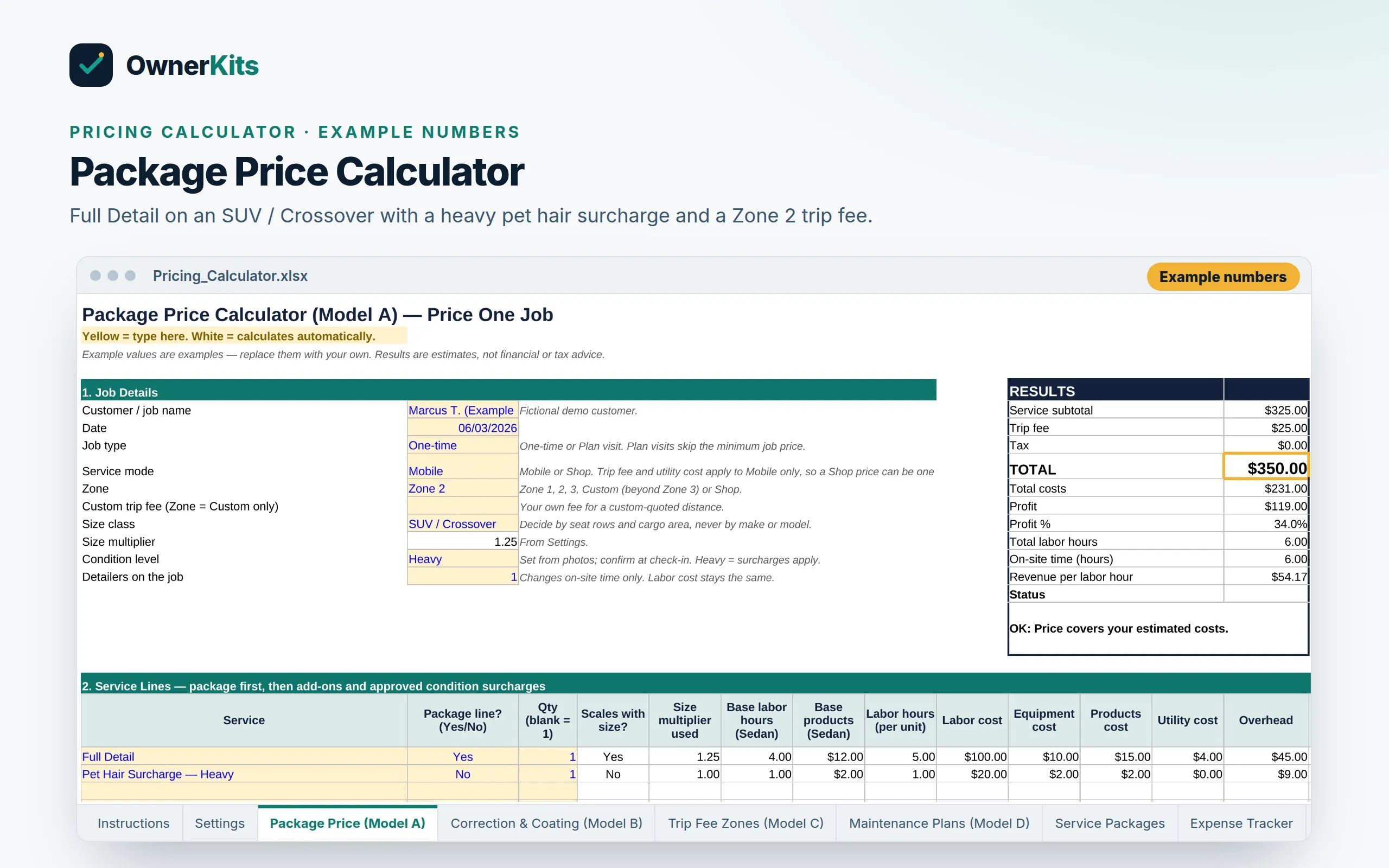
  • Package Price Calculator (packages, add-ons and condition surcharges)
  • Correction & Coating Calculator (hourly, adjusted after the test spot)
  • Trip Fee Zones calculator and Maintenance Plans calculator
  • A full size class × service price matrix built from your Settings

Operate professionally

  • SOP library — 20 procedures in job order, from inquiry to damage concern
  • Checklists — 23 for setup, booking, mobile, job, quality and admin
  • Customer forms — 10, including the Vehicle Condition Check-In Record
  • Quote, estimate, Condition Approval, invoice, receipt and payment reminder templates
  • Service Agreement & Terms Starter with Maintenance Plan and Fleet Service Agreement addenda
  • Customer messages — 20 situations, each in email, SMS and WhatsApp versions

Grow

  • Marketing toolkit — 30-day plan, 100 marketing ideas and more idea banks
  • Social media content — 270 posts and ideas
  • Meta ads starter kit for advertising your detailing services
  • AI prompt library — 100 detailing prompts in 13 categories
  • 11 printable trackers, including a maintenance plan schedule

Excel tools

  • 4 Excel workbooks: Pricing Calculator, Expense Tracker (with mileage log), Business Dashboard, and Quote & Invoice Templates
  • Open in Excel or Google Sheets

Business Command Center app

  • Dashboard
  • Customers and leads, with vehicle and size class fields
  • Quotes, jobs and invoices
  • Recurring plan visits: Every 2 Weeks or Every 4 Weeks
  • Payments and expenses
  • Profit & loss, cash flow and reports
  • Tasks, SOPs and checklists
  • Marketing planner and AI prompt library

Data protection

  • Local backup file with optional password encryption
  • Restore on any device
  • Excel export and import with change review
  • Built-in Google Drive backup — coming soon (you can save the backup file to Drive yourself today)

Features

What Car Detailing Business Starter Kit helps you do

How it works

From checkout to using it

  1. 1

    Buy once

    Checkout is handled by Gumroad. You pay once — no subscription.

  2. 2

    Get your files and key

    Your receipt email has the download link and your license key.

  3. 3

    Open the app

    Go to app.ownerkits.com, choose Get started, paste your key and click Activate.

  4. 4

    Run your business

    Add customers and vehicles, send quotes, schedule jobs and plan visits, and invoice — online or offline.

Software

About the app

Browser access
Runs in your browser at app.ownerkits.com and can be installed like an app (PWA). No account or password.
Offline use
Works offline after the first load and license activation, which helps in a driveway or fleet yard with weak signal. Internet is needed to activate, to update, and for an occasional license re-check.
Your data
Your business data is stored on your device (browser storage) and is never uploaded to OwnerKits. Check-in photos stay in your own photo folders; the app records where they are stored. The license check sends only your license key, a random device ID and a device label.
Backup
Create backup files any time (optional password encryption) and restore them on any device. Built-in Google Drive backup is coming soon.
Excel
Export your whole business to one Excel workbook, edit it, and import it back with a preview, validation and change review.
Devices
One car detailing business on up to 3 devices. Each device keeps its own copy of the data; there is no automatic sync.

Already bought it? Open Business Command Center →

Files, requirements and compatibility

Files included

  • 16 × PDF guides and templates (PDF)
  • 16 × Editable versions (DOCX)
  • 4 × Excel workbooks (XLSX)
  • 2 × Start Here page and app shortcut (PDF + HTML)

Requirements

  • A computer, tablet or phone with a current version of Chrome, Edge, Safari or Firefox
  • Internet for the download, the first app activation and updates (daily use works offline)
  • A PDF reader; Microsoft Word or Google Docs to edit the templates; Excel or Google Sheets for the workbooks

Works with

  • Windows
  • macOS
  • ChromeOS
  • iPhone & iPad (Safari)
  • Android
  • Excel
  • Google Sheets
  • Word
  • Google Docs

FAQ

Questions about this product

What exactly do I receive?

A download (one ZIP) and a license key. The ZIP holds 16 PDF guides and templates, an editable Word version of each, 4 Excel workbooks, and two Start Here files. The license key activates the Business Command Center app in your browser.

Does it work for a mobile detailer, a shop, or both?

Both. Wherever the work differs, the guides, SOPs and checklists have a Mobile path and a Shop path. Mobile topics include the rig, water and power, trip fees and runoff. Shop topics include drop-off, key tags and bay scheduling. If you run a hybrid, you use both.

Will the prices fit my area?

The kit does not tell you what to charge. Every price in it is an example. You enter your own labor cost, product costs, overhead, zone distances and margin in the Settings sheet, time your own jobs by size class, and the calculators work out prices from those numbers.

How does it price different vehicles?

Every vehicle goes into one of six size classes (Small Car, Sedan, SUV / Crossover, Pickup Truck, 3-Row SUV / Minivan, Oversize) and one of four condition levels (Light, Normal, Heavy, Extreme). Packages scale by size class. Pet hair, heavy soil, stains and sand are separate surcharges the customer approves in writing before the work starts.

Does it cover paint correction and ceramic coating?

Yes, as business workflow: consultation, test spot, hourly quote, deposit, cure handover and aftercare. It does not teach polishing technique or name products. For hands-on technique, use recognized training and your tool and product manuals.

Is the app included in the price?

Yes. Your purchase includes a license for 1 car detailing business on up to 3 devices. The app is set up for detailing, with vehicle, size class, condition level, key status and wash-water fields.

Does the app work offline?

Yes, once it has loaded on your device and your license is activated. You need internet to activate the first time, to receive updates and for an occasional license re-check.

Where is my business data stored?

On your device, in your browser's storage. Your customers, vehicles, invoices and numbers are not uploaded to OwnerKits. The app only contacts the license server to check your license.

Can I store check-in photos in the app?

No. Keep photos in your phone or cloud photo folders. Each job in the app has a Photos Stored At field, so you can find the right album later.

What if I lose my phone or laptop?

Restore your latest backup file on the new device (app.ownerkits.com → Backup → Restore) and carry on. Anything entered after your last backup can't be recovered, so back up regularly and keep the file somewhere other than that device.

Can I keep using Excel?

Yes. The kit includes 4 workbooks, and the app exports your whole business to Excel and imports it back with a change review. It is export → edit → import, not live sync.

Does the kit tell me which licenses, permits or insurance I need?

No. Rules vary by location. The kit lists the topics to research, such as business registration, mobile work permits, wash water disposal, insurance for customer vehicles in your care, and sales tax, and tells you who to ask. It is not legal, tax or insurance advice.

Is there a subscription?

No. You pay once. Updates within version 1.x are included.

Can I get a refund?

Yes, within 14 days of purchase. Email support@ownerkits.com with your order email. The app license stops working once a purchase is refunded; your data stays on your device and can still be exported.

Ratings & reviews

Only verified buyers can review, using the license key from their purchase. We publish every review that follows our review policy, positive or negative.

    Loading reviews…

    Related products

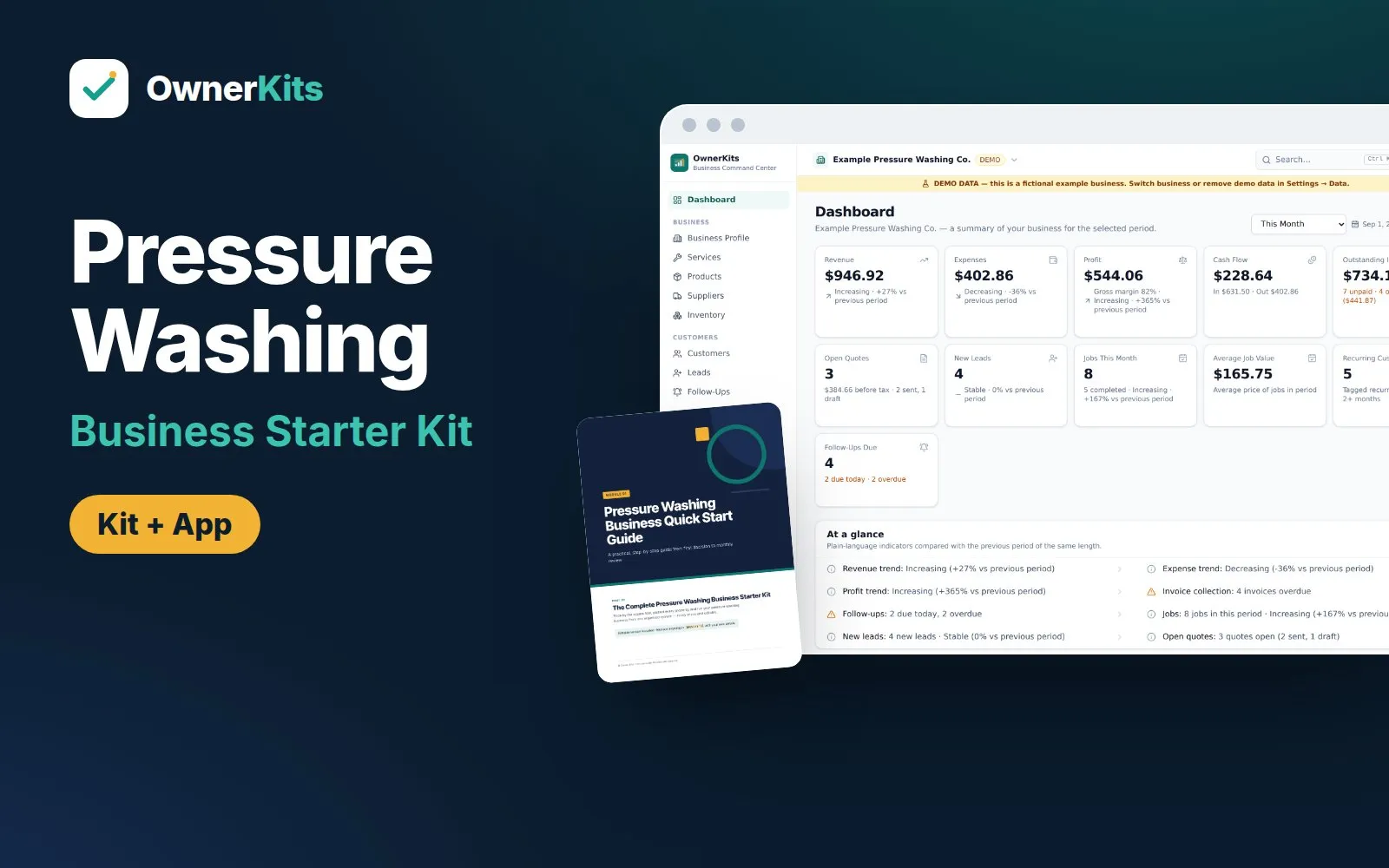
    Pressure Washing Business Starter Kit: kit folders, Pricing Calculator and the Business Command Center app
    • NEW
    • INCLUDES APP

    Business · Business Kit

    Pressure Washing Business Starter Kit

    Price by the square foot, protect every property and run your pressure washing business: pricing calculator, SOPs, checklists, templates and a local-first app.

    $37 one-time

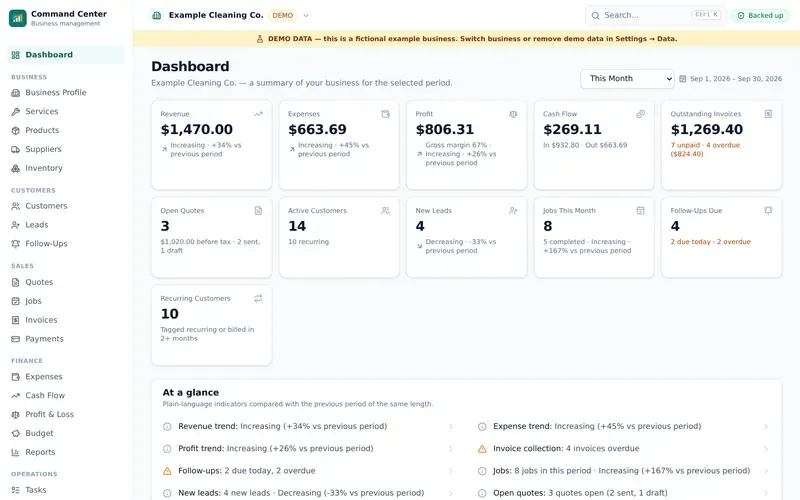
    Business Command Center dashboard with demo data Demo data
    • NEW
    • INCLUDES APP

    Business · Business Kit

    Cleaning Business Starter Kit

    Start and run a cleaning business: guides, SOPs, checklists, templates, Excel tools and a local-first business app.

    $37 one-time

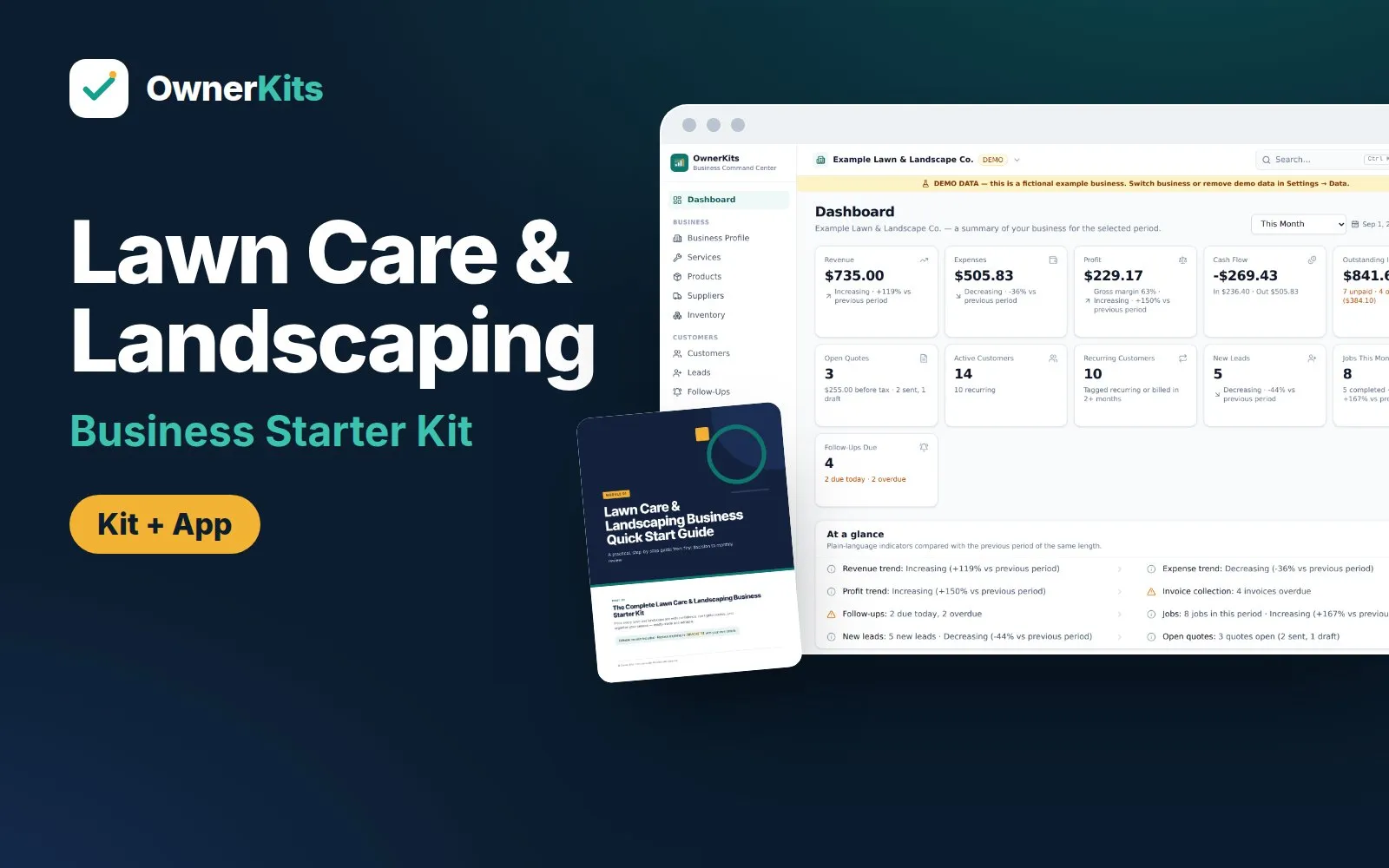
    Lawn Care & Landscaping Business Starter Kit: kit folders, pricing calculator and app dashboard with demo data Demo data
    • NEW
    • INCLUDES APP

    Business · Business Kit

    Lawn Care & Landscaping Business Starter Kit

    Price mowing visits, seasonal plans and landscape projects, then run routes, rain days, quotes and invoices with a guide set, Excel tools and a local-first app.

    $37 one-time

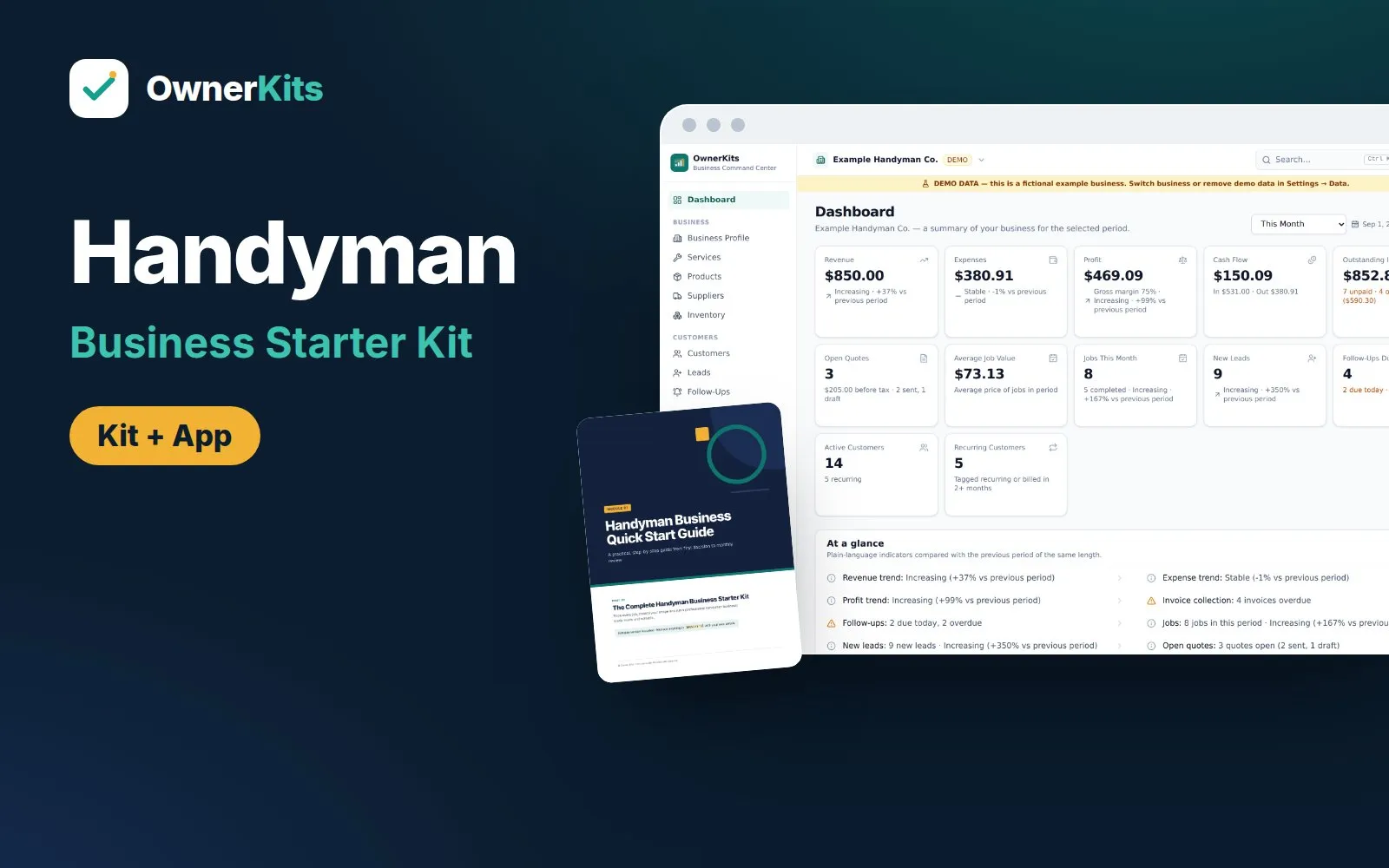
    The Complete Handyman Business Starter Kit: product cover with the kit folders, a pricing calculator and the app dashboard
    • NEW
    • INCLUDES APP

    Business · Business Kit

    The Complete Handyman Business Starter Kit

    Price handyman jobs four ways, control scope with change orders and a refer-out system, and run the business in a local-first app.

    $37 one-time

    Support

    Email support@ownerkits.com or visit the support page.

    Refunds

    Full refund within 14 days of purchase. Refund policy.

    License

    One car detailing business. The app license covers up to 3 devices. Edit and rebrand the templates for your own business; don't resell or share them. Read the license