 Demo data
 - NEW
- INCLUDES APP
Business · Business Kit
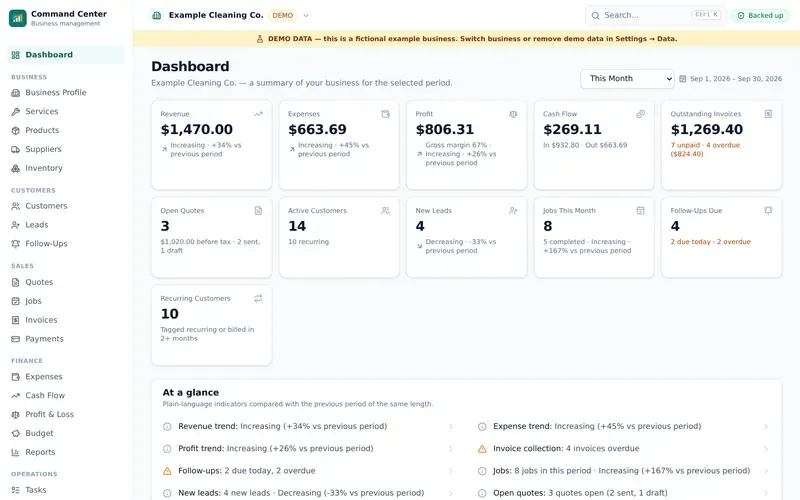
Cleaning Business Starter Kit
Start and run a cleaning business: guides, SOPs, checklists, templates, Excel tools and a local-first business app.
$37 one-time
New Cleaning Business Starter Kit — $37 one-time. See what's inside
 Demo data
 Business · Business Kit · includes app
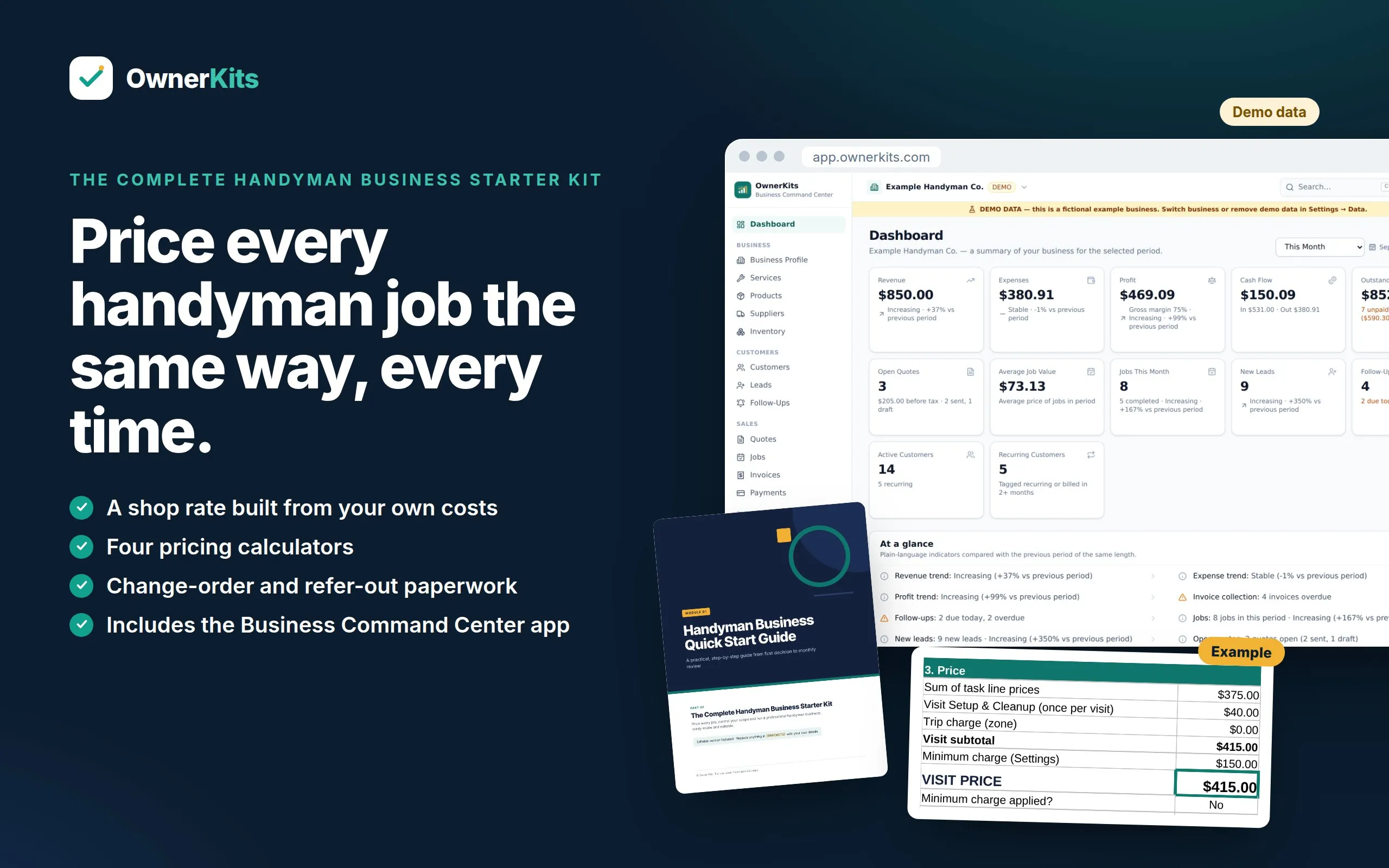
Price every job, control your scope and run a professional handyman business: guides, templates, Excel calculators and the Business Command Center app.
$37one-time
Buy nowA ready-made system for starting or organizing a handyman business that does small repairs, installs and maintenance. The downloadable kit covers scope, pricing, quoting, job-day operations, change orders, property-manager work orders, maintenance plans, marketing and AI prompts, with an editable Word version of every PDF and four Excel workbooks.
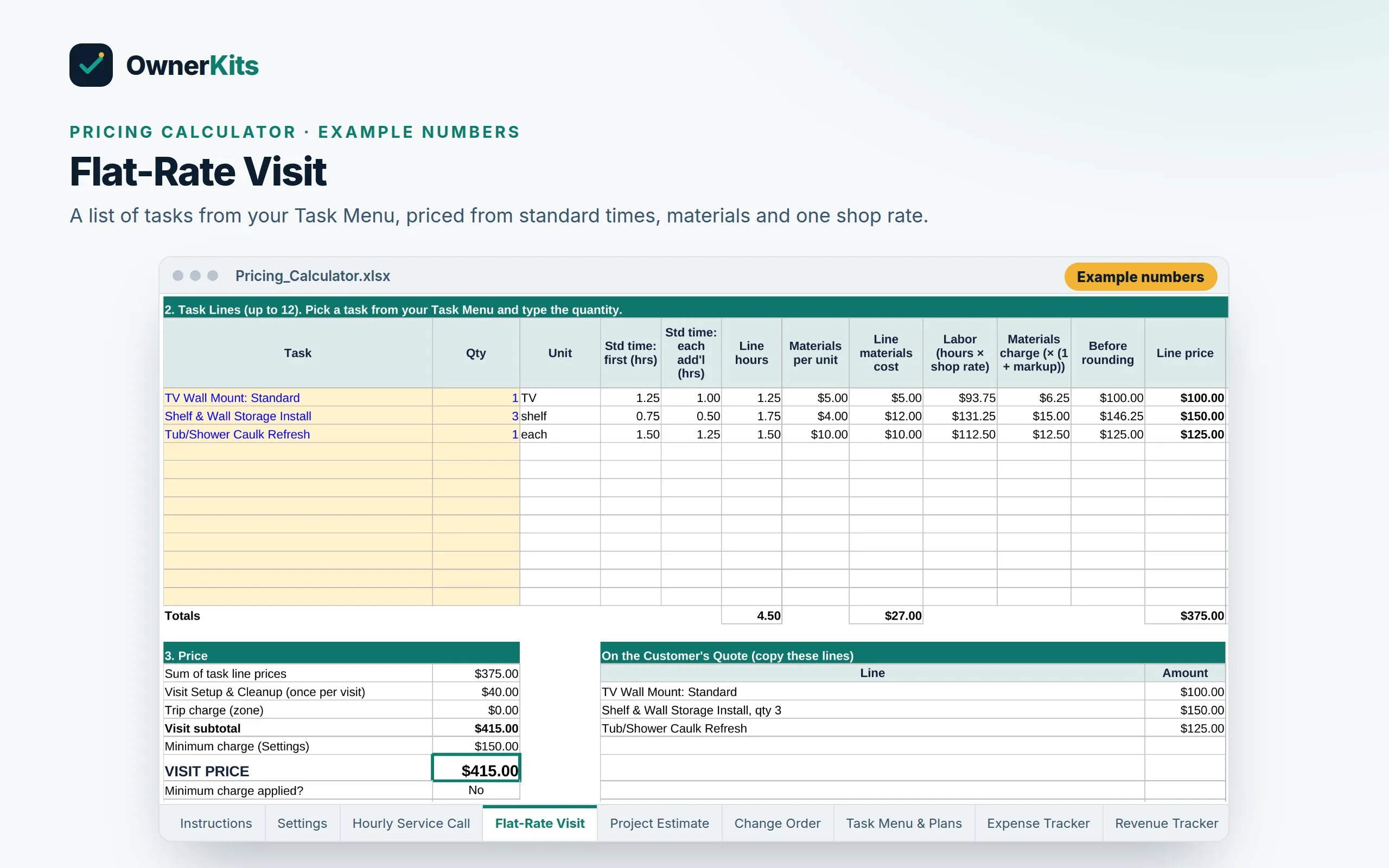
The pricing tools work from your own costs: one Settings sheet sets your shop rate, helper rate, minimum charge, trip charges by zone and materials markup, then feeds an Hourly Service Call calculator, a Flat-Rate Visit builder with a Task Menu, a Project Estimate with change orders, and Home Maintenance Plan pricing. Every example price is an example to replace.
A Green / Yellow / Red refer-out framework runs through the whole kit, so you know which requests to quote, which to verify first and which to send to a licensed pro. The kit lists what to check locally (licensing, permits, insurance, EPA RRP for older homes); it does not give legal advice or technical instructions for licensed trades.
Your purchase also includes a license for the Business Command Center: a browser app for customers, leads, quotes, jobs, invoices, payments, expenses and reports, set up with handyman services, add-ons and fields such as Service Zone, Year Built, Work Order #, NTE, Estimated vs Actual Hours and Refer-Out Item Found. Your business data stays on your own device, the app works offline after setup, and it exports to Excel whenever you want.
Four ways to price, one shop rate
Hourly with a minimum, flat-rate from a Task Menu, project estimates with change orders, and maintenance plans, all fed by your own costs.
Scope you can explain
A Green / Yellow / Red refer-out framework, written change orders and hourly caps, with customer wording ready to send.
Kit + app, one price
The downloadable Starter Kit and a Business Command Center license for one handyman business. Your data stays on your device.
What's included
Features
Shop Rate From Your Costs
Enter labor cost, overhead, billable hours and target margin once. The Settings sheet works out your shop rate, helper rate and minimum charge.
Hourly Service Calls
Minimum hours, billing increment, parts-run time, helper hours, after-hours premium and zone trip charges in one calculator.
Flat-Rate Task Menu
Standard times for the first and each additional unit, materials per unit, and a once-per-visit setup line build firm prices.
Project Estimates & Change Orders
Line-item hours, helper time, time buffer, pass-through fees and deposit, plus numbered change orders signed before extra work.
Maintenance Plans
Price Seasonal and Quarterly Home Maintenance Plans from visits, hours and a member discount.
Refer-Out Framework
Green, Yellow and Red lanes, a stop rule for mid-job findings, and plain wording for telling customers an item needs a licensed pro.
Property-Manager Accounts
Work order numbers, NTE approval requests, make-ready punch lists, an account rate sheet and an onboarding checklist.
SOPs & Checklists
20 procedures and 24 checklists that walk every job from screening to sign-off, without trade tutorials.
Customer Messages
20 situations, from asking for photos to change-order requests and refer-out notices, in email, SMS and WhatsApp.
Marketing & AI Prompts
A 30-day marketing plan, 270 social posts, a Meta ads kit for your services and 100 AI prompts.
Business Command Center
Customers, quotes, jobs, invoices, expenses and reports in your browser, with handyman fields built in.
Backup & Restore
Portable backup files, optional encryption, restore on a new computer.
Excel Import/Export
Export everything, edit in Excel, import with a preview and change review.
Deposits & payments
Ask for a deposit on a quote, record it when it's paid, and it's taken off the invoice automatically.
Reviews & referrals
Ask customers for a review from a finished job and follow up, and run a referral program that tracks who sent whom and the reward earned.
Staff schedule & job photos
A week and day schedule per team member with overlap warnings and time off, plus before/after photos on every job, kept on your device.
How it works
Buy once
Checkout is handled by Gumroad. You pay once, with no subscription.
Get your files and key
Your receipt email has the download link and your license key.
Set your numbers
Open the Pricing Calculator's Settings sheet and replace the example costs with yours. Your shop rate and Task Menu prices update from there.
Open the app and run jobs
Go to app.ownerkits.com, choose Get started and paste your key. Add customers, send quotes, schedule jobs and invoice, online or offline.
Software
Already bought it? Open Business Command Center →
FAQ
A download (one ZIP) and a license key. The ZIP holds 16 PDF guides and templates, an editable Word version of each, and 4 Excel workbooks. The license key activates the Business Command Center app in your browser.
It shows you how to work out your own prices. You enter your labor cost, overhead, billable hours and target margin, and the calculators produce your shop rate, minimum charge and Task Menu prices. Every price in the kit is an example based on example costs, not a recommendation or a local going rate.
Yes. The Pricing Calculator has an Hourly Service Call sheet (minimum, billing increment, trip charge), a Flat-Rate Visit sheet built from your Task Menu, a Project Estimate sheet with a Change Order sheet, and Home Maintenance Plan pricing. All of them use the same Settings.
No. Handyman licensing, job-value limits, permits and insurance rules vary by state, county and city. The kit lists the topics to check and who to ask (your state contractor licensing board, city or county building department and insurance agent), with a research log to record the answers. It is not legal, tax or insurance advice.
No. The kit sorts work into Green (in scope), Yellow (verify before you quote) and Red (always refer out) lanes. It gives no technical instructions for electrical, plumbing, gas, HVAC, structural, roofing or hazardous-material work, and it gives you wording and a Refer-Out Notice for sending those items to a licensed pro.
Yes. It covers work orders, NTE (not-to-exceed) approval requests, make-ready punch lists, an Account Rate Sheet, an account onboarding checklist and realtor repair lists. The app has job fields for Work Order # and NTE.
The app has no separate change-order record. You add the change as line items on the job's quote or invoice (for example "CO-1: closet patch and paint") and set the job's Change Order field. The signed change order from the kit's templates stays in your job records.
The app repeats jobs weekly, every 2 weeks, every 4 weeks or monthly. Seasonal and quarterly plan visits are scheduled as individual jobs, and the kit's plan tracker and messages help you keep them on schedule.
Yes. Your purchase includes a license for 1 handyman business on up to 3 devices.
Yes, once it has loaded on your device and your license is activated. You need internet to activate the first time, to receive updates and for an occasional license re-check.
On your device, in your browser's storage. Your customers, invoices and numbers are not uploaded to OwnerKits. Back up regularly: restore your latest backup file on a new device if you lose one, and save the file somewhere other than that device.
Yes. The kit includes 4 workbooks, and the app exports your whole business to Excel and imports it back with a change review. It is export, edit, import; not live sync.
No. You pay once. Updates within version 1.x are included.
No. It tracks revenue, expenses, profit and cash flow so you understand your business. It doesn't file taxes, take card payments or connect to your bank.
Only verified buyers can review, using the license key from their purchase. We publish every review that follows our review policy, positive or negative.
Loading reviews…
Demo data Business · Business Kit
Start and run a cleaning business: guides, SOPs, checklists, templates, Excel tools and a local-first business app.
$37 one-time
 Demo data
 Business · Business Kit
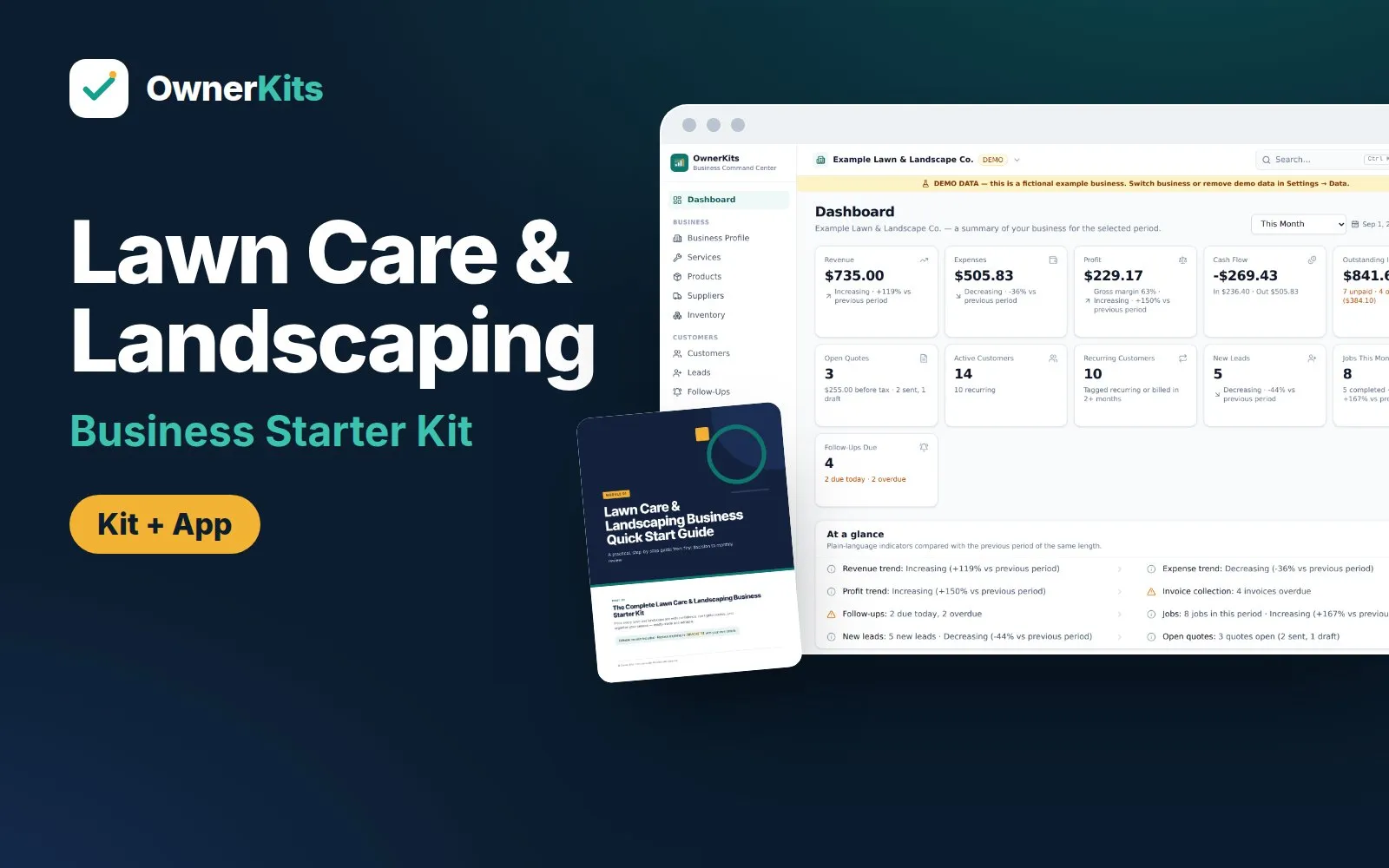
Price mowing visits, seasonal plans and landscape projects, then run routes, rain days, quotes and invoices with a guide set, Excel tools and a local-first app.
$37 one-time
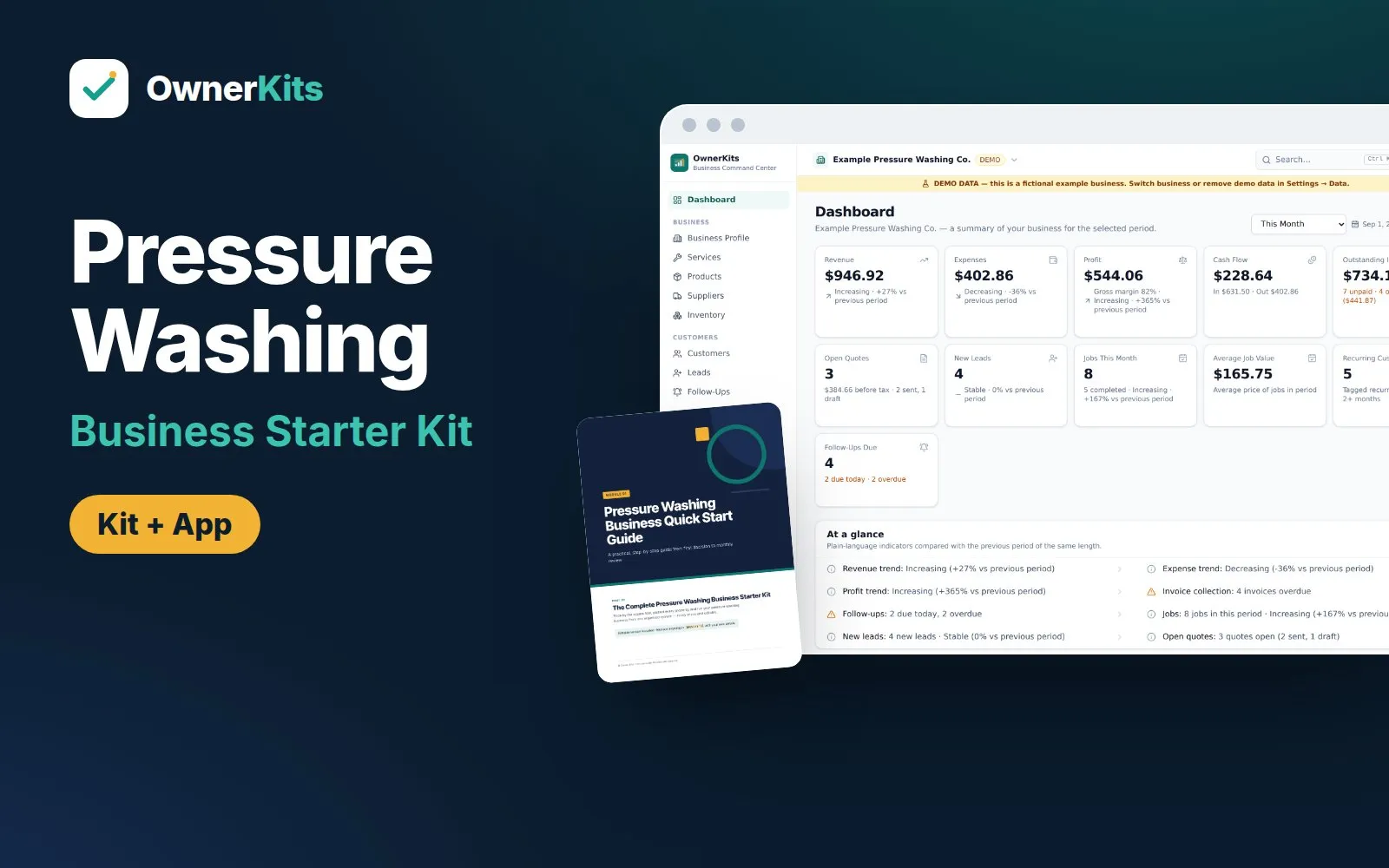
Business · Business Kit
Price by the square foot, protect every property and run your pressure washing business: pricing calculator, SOPs, checklists, templates and a local-first app.
$37 one-time
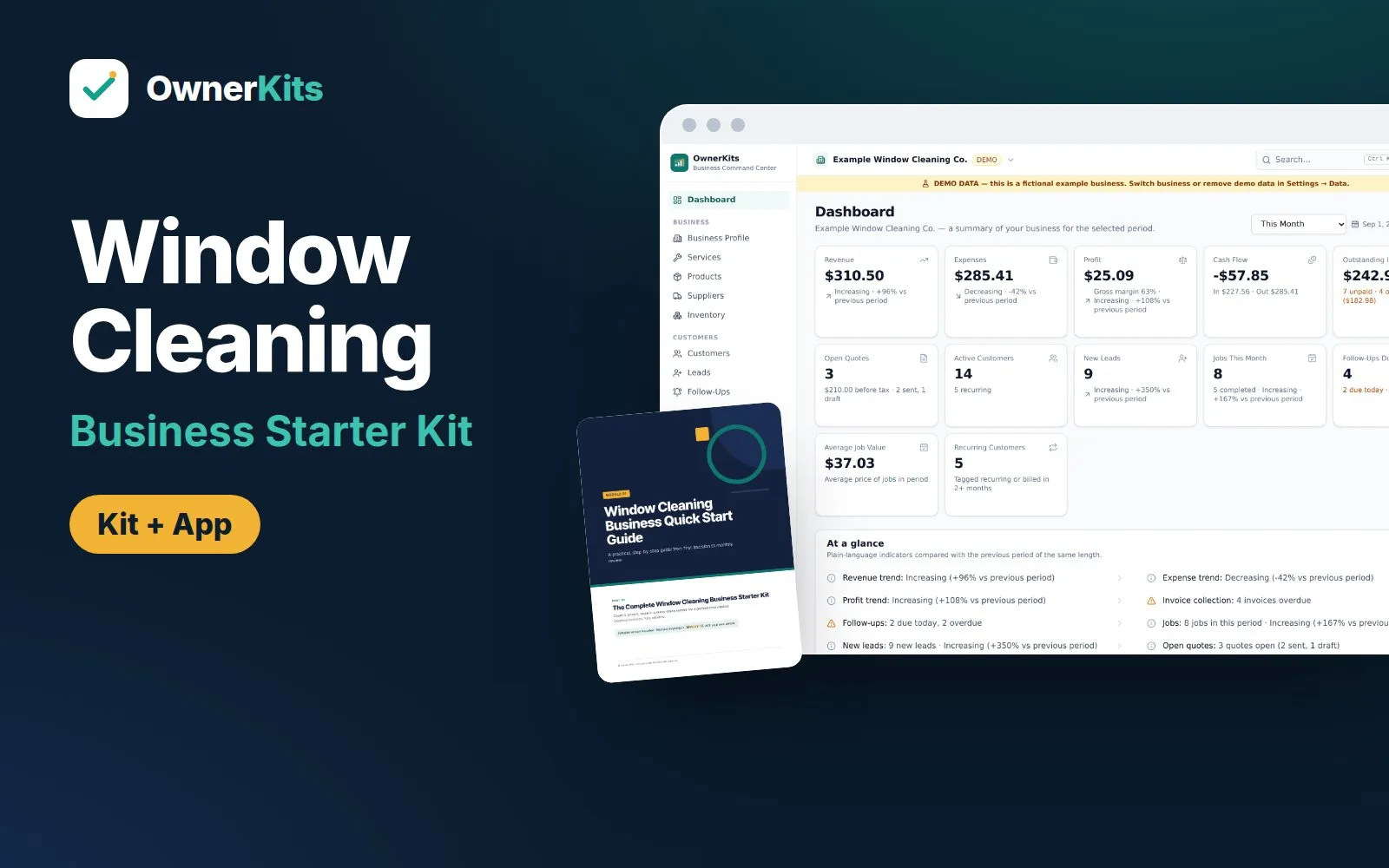 Demo data
 Business · Business Kit
Count windows, price by type, story and side, build storefront routes, and run jobs and invoices: guides, templates, Excel tools and an app.
$37 one-time
Email support@ownerkits.com or visit the support page.
Full refund within 14 days of purchase. Refund policy.
One handyman business. The app license covers up to 3 devices. Edit and rebrand the templates for your own business; don't resell or share them. Read the license
The Complete Handyman Business Starter Kit$37 one-time
Buy now